Overview · All stories
Where would you like to start?
My portfolio is organized into different themes. Pick a story below, or step through all of them with the arrows.
Portfolio Tour
Overview · All stories
My portfolio is organized into different themes. Pick a story below, or step through all of them with the arrows.
Computational Chemistry · Introduction
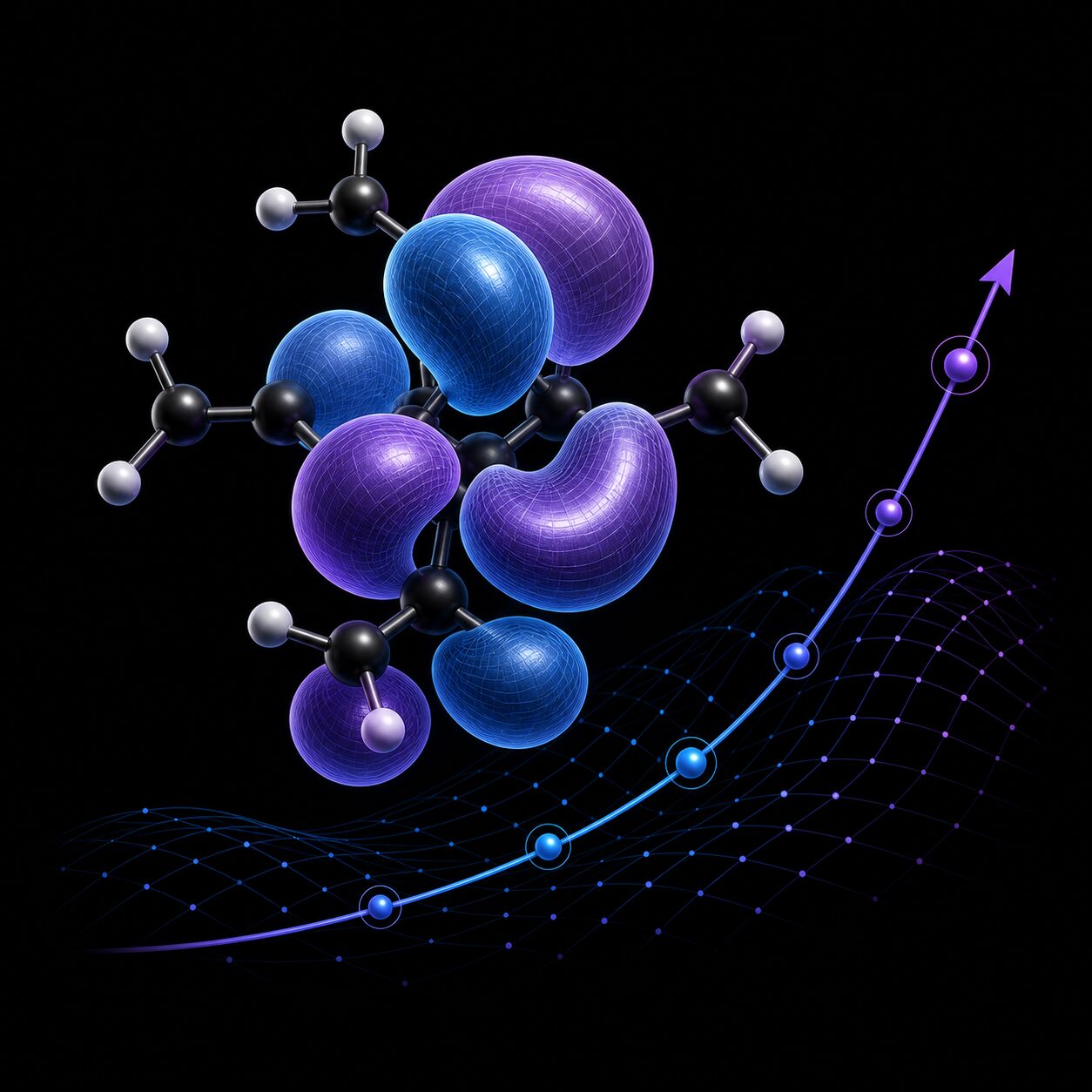
Computational chemistry uses computer simulations to model and understand chemical systems. It brings together physics, chemistry, and computer science to study molecular structures, reactions, and properties. My work focuses on quantum chemistry, a branch of computational chemistry that applies quantum mechanics to understand how electrons behave in molecules.
Computational Chemistry · Why
Computational chemistry is a daunting topic. The algorithms are complex, the math is dense, and the software is often a black box. Easy and accessible code allow students to study the subject in a hands-on way, building intuition and understanding by running and modifying code.
Computational Chemistry · What
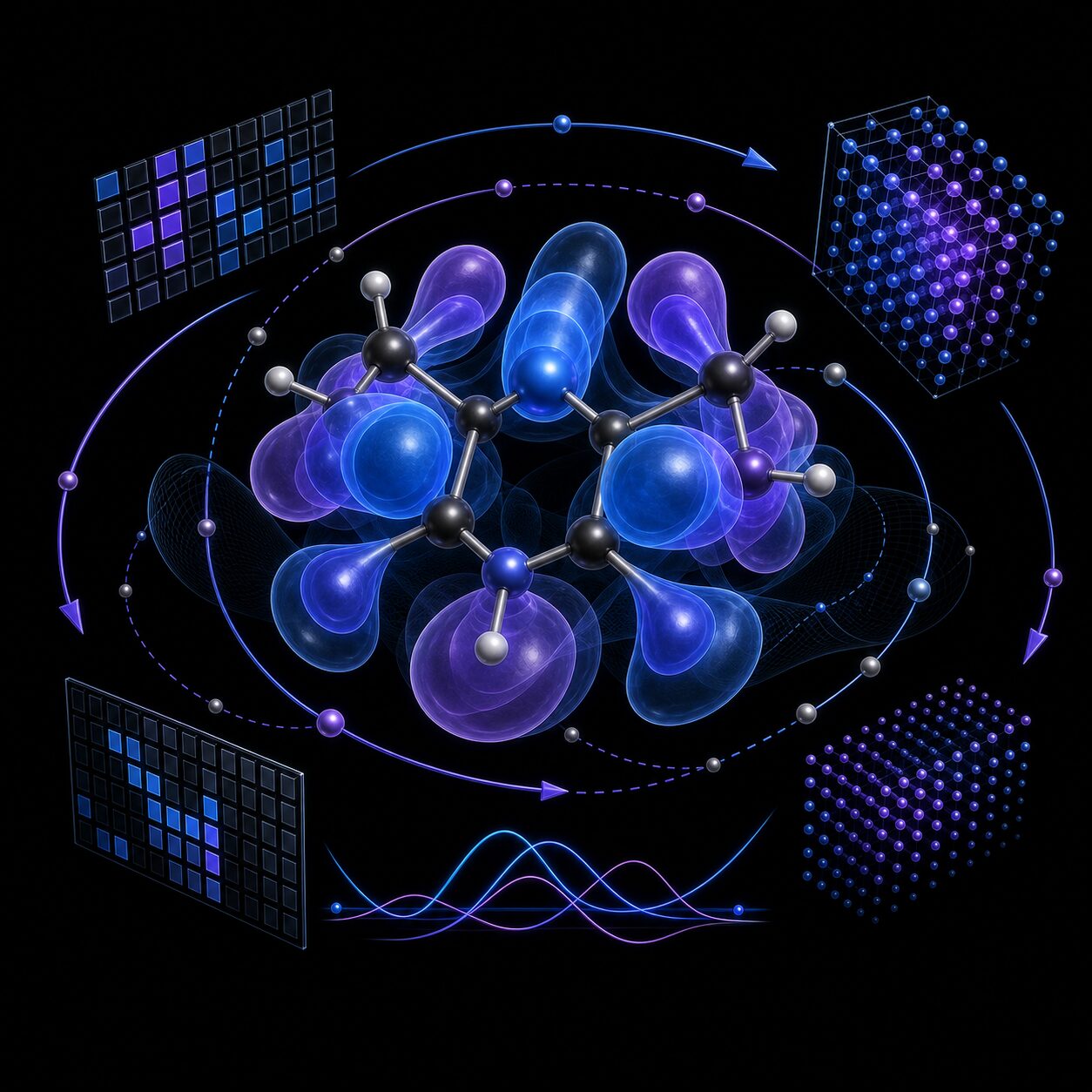
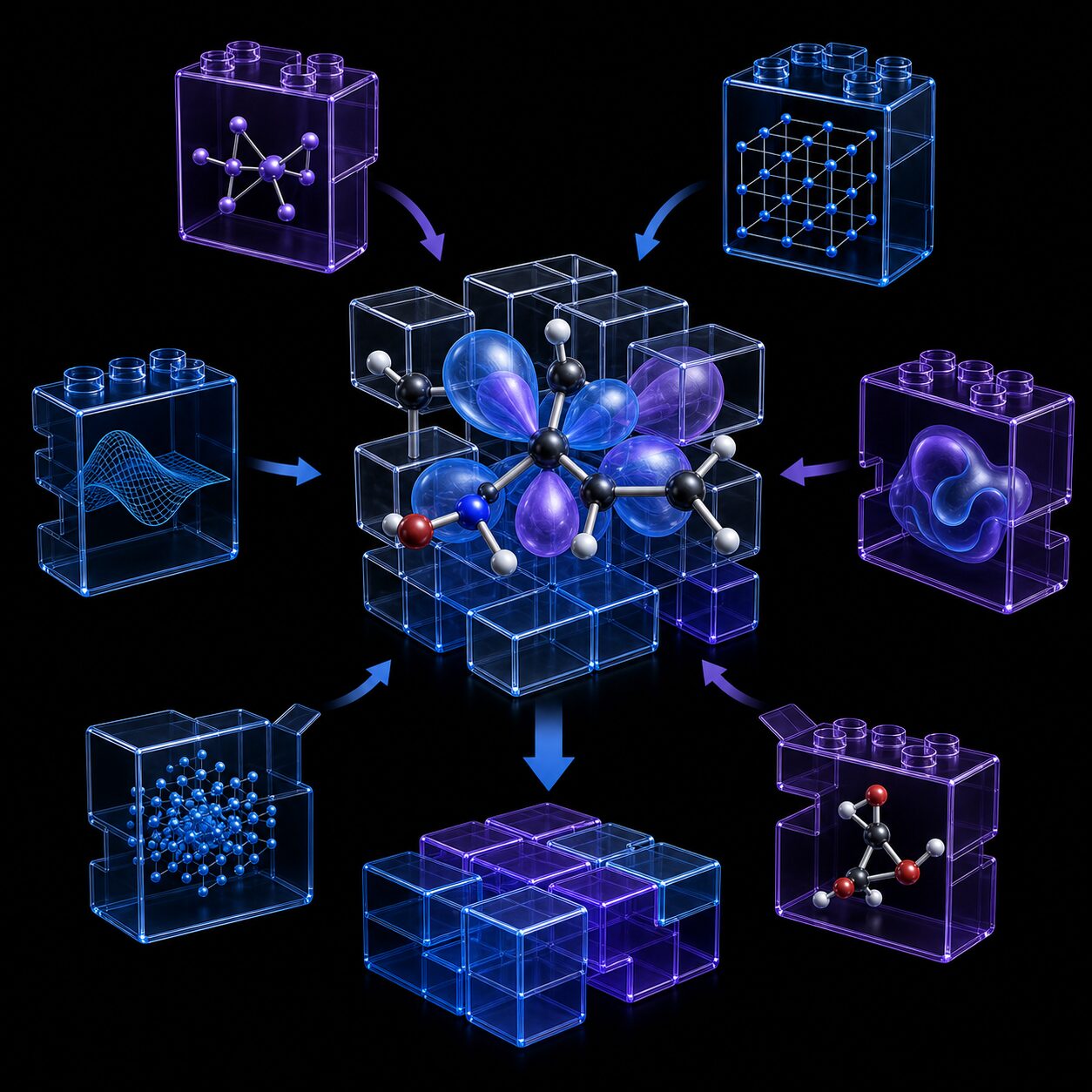
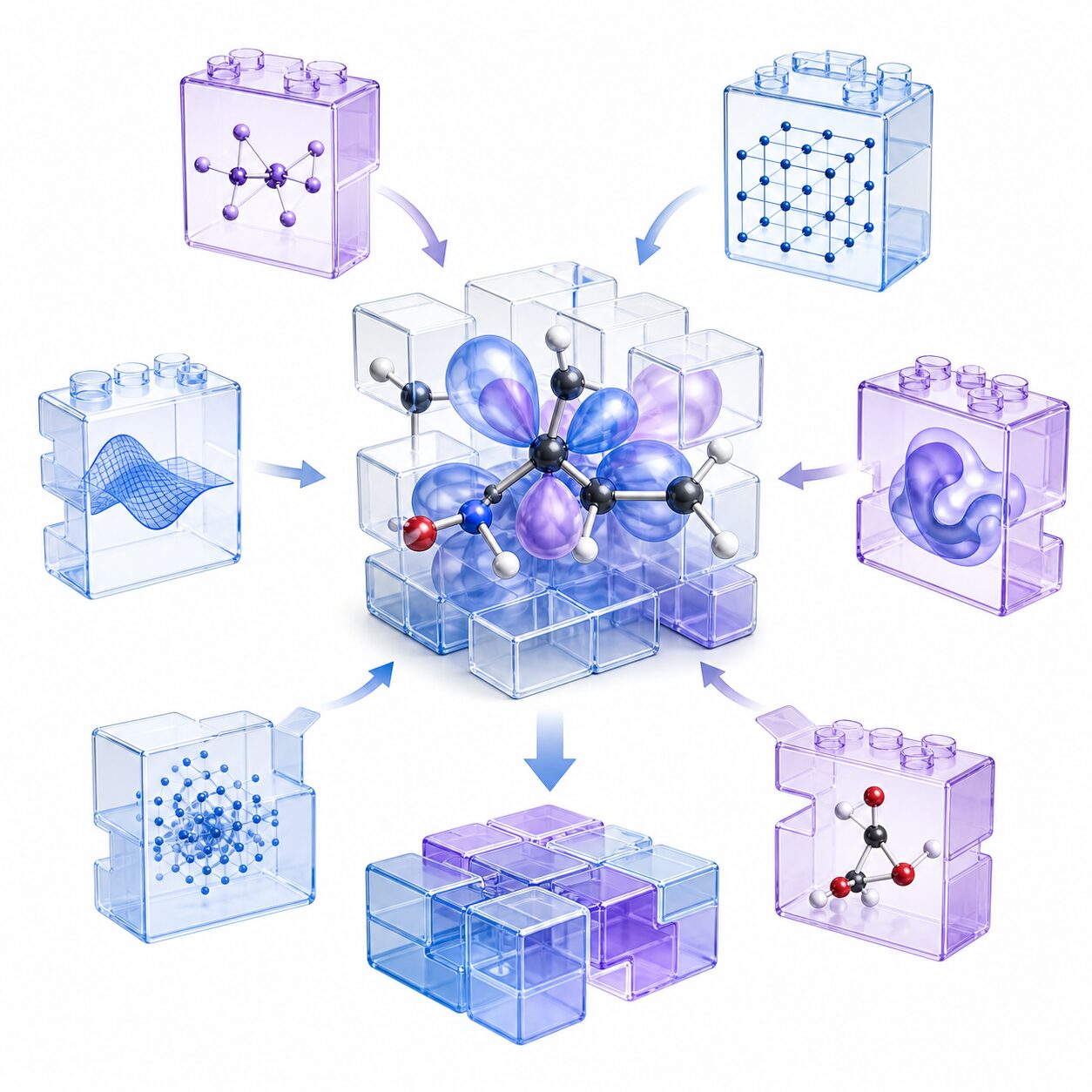
To make complex algorithms tractable and accessible to students, I developed Hartree-Fock and Density Functional Theory programs for simple gas-phase molecules. The implementations are available in both Python and C++: the Python versions provide approachable entry points for learning, while the C++ versions serve as companion implementations that illustrate how to build more performant programs.
Computational Chemistry · Where next?
Students can explore Hartree–Fock through PyQInt, a Python package with a complete yet modular implementation of the algorithm. Its components can be recombined to create custom workflows and experiments, making it useful for both guided learning and independent exploration. For Density Functional Theory, the same role is fulfilled by PyDFT. C++ variants, HFCXX and DFTCXX, are also available as companion implementations for exploring more performant versions of the same algorithms.
Scientific Visualization · Opening
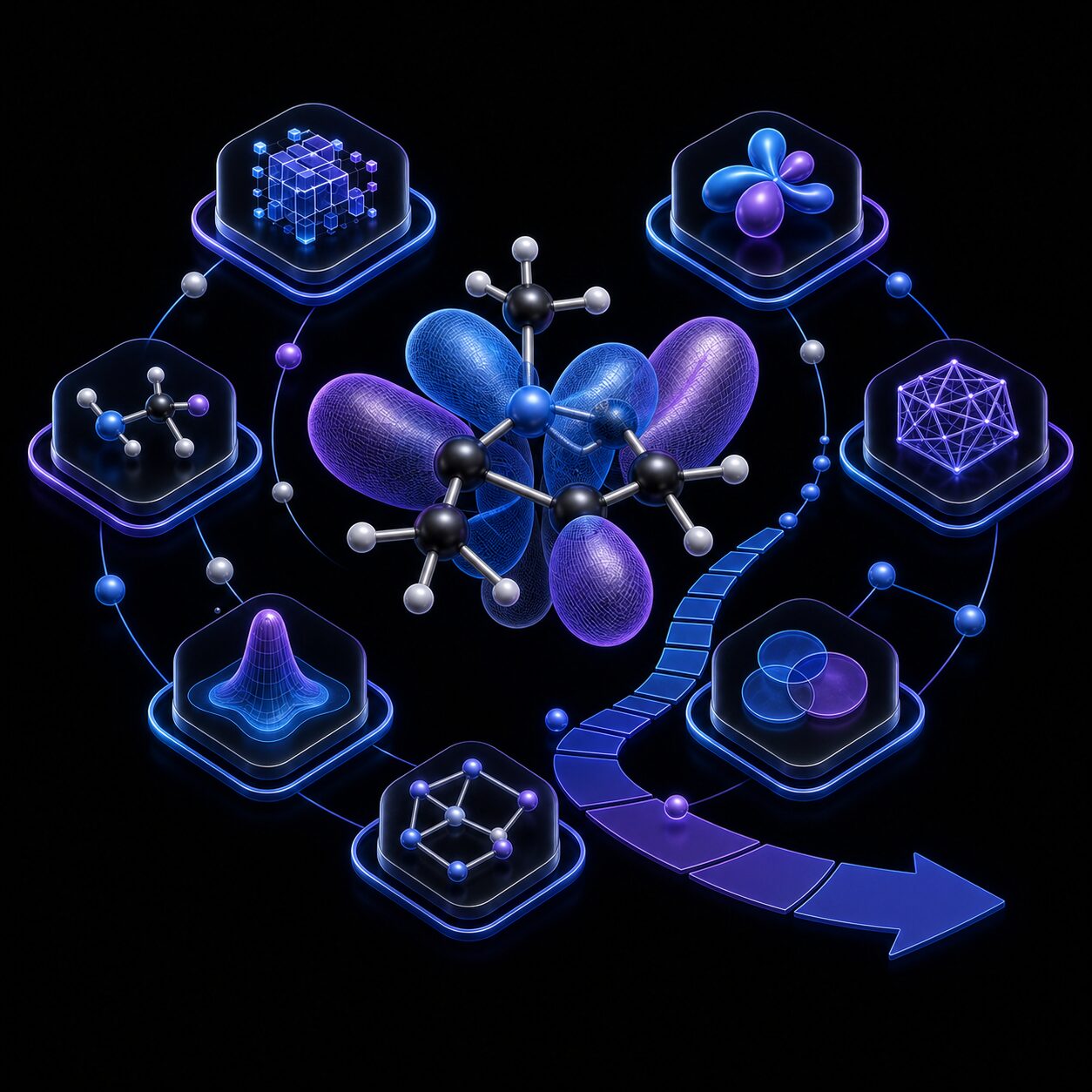
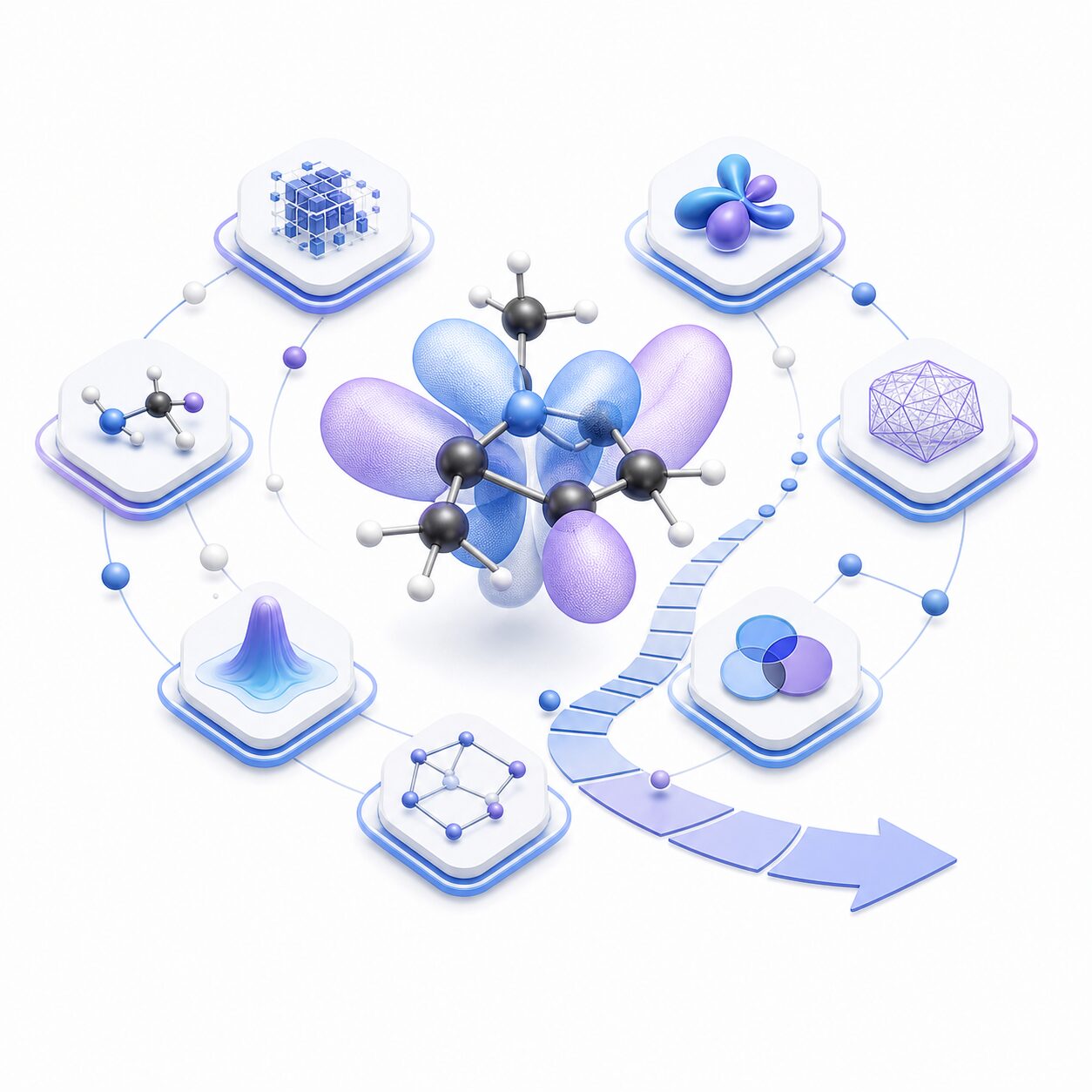
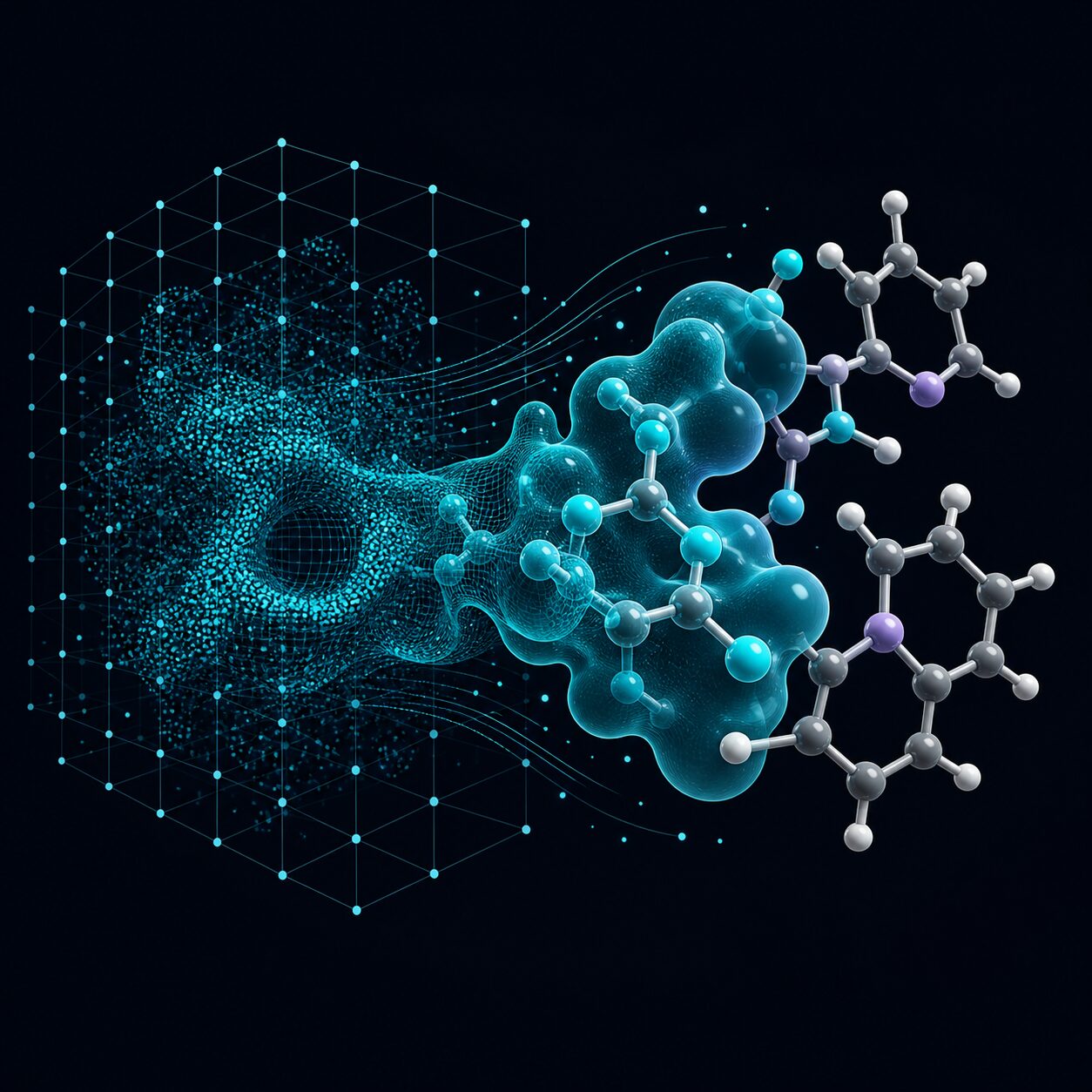
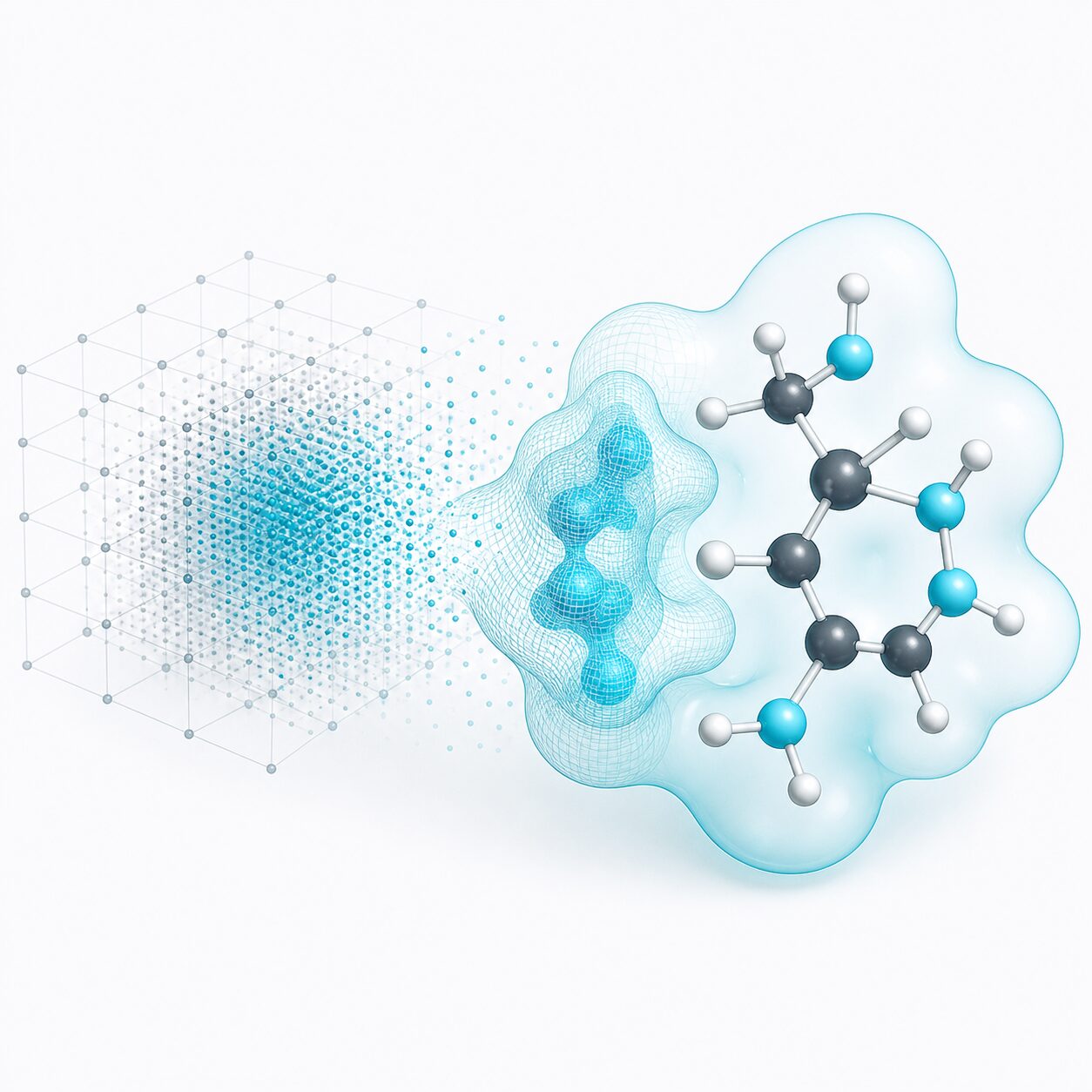
Computers act on dense numeric data, which while making the computation highly efficient, is not a great format for human understanding. This theme gathers projects that make scientific data visible and tangible, revealing the structure of molecules, density fields, and surfaces.
Scientific Visualization · Why
The aim is not decoration. A visible molecule, density field, or surface helps students and researchers inspect, compare, debug, and explain what is going on. Clear structure can be beautiful, but understanding comes first.
Scientific Visualization · What
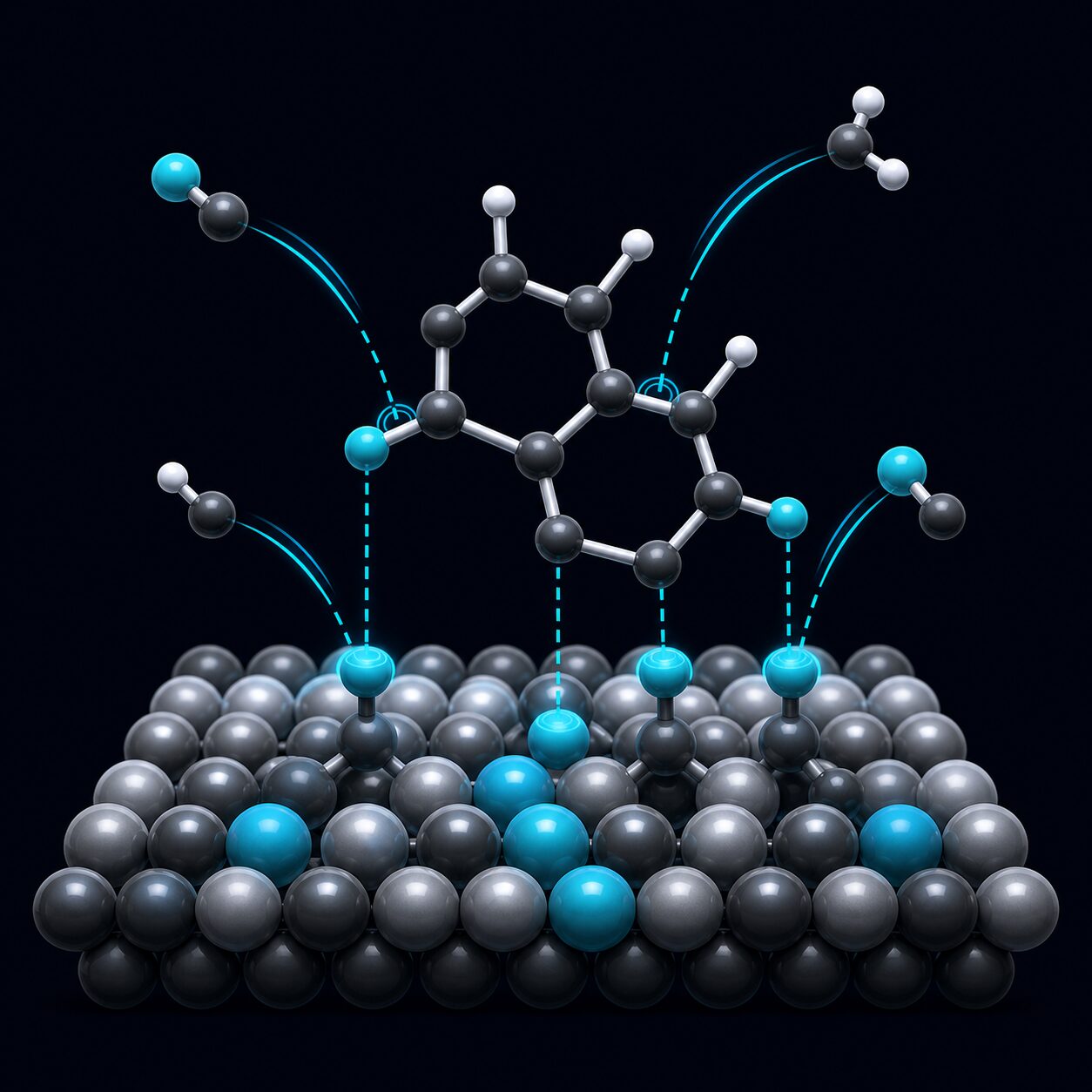
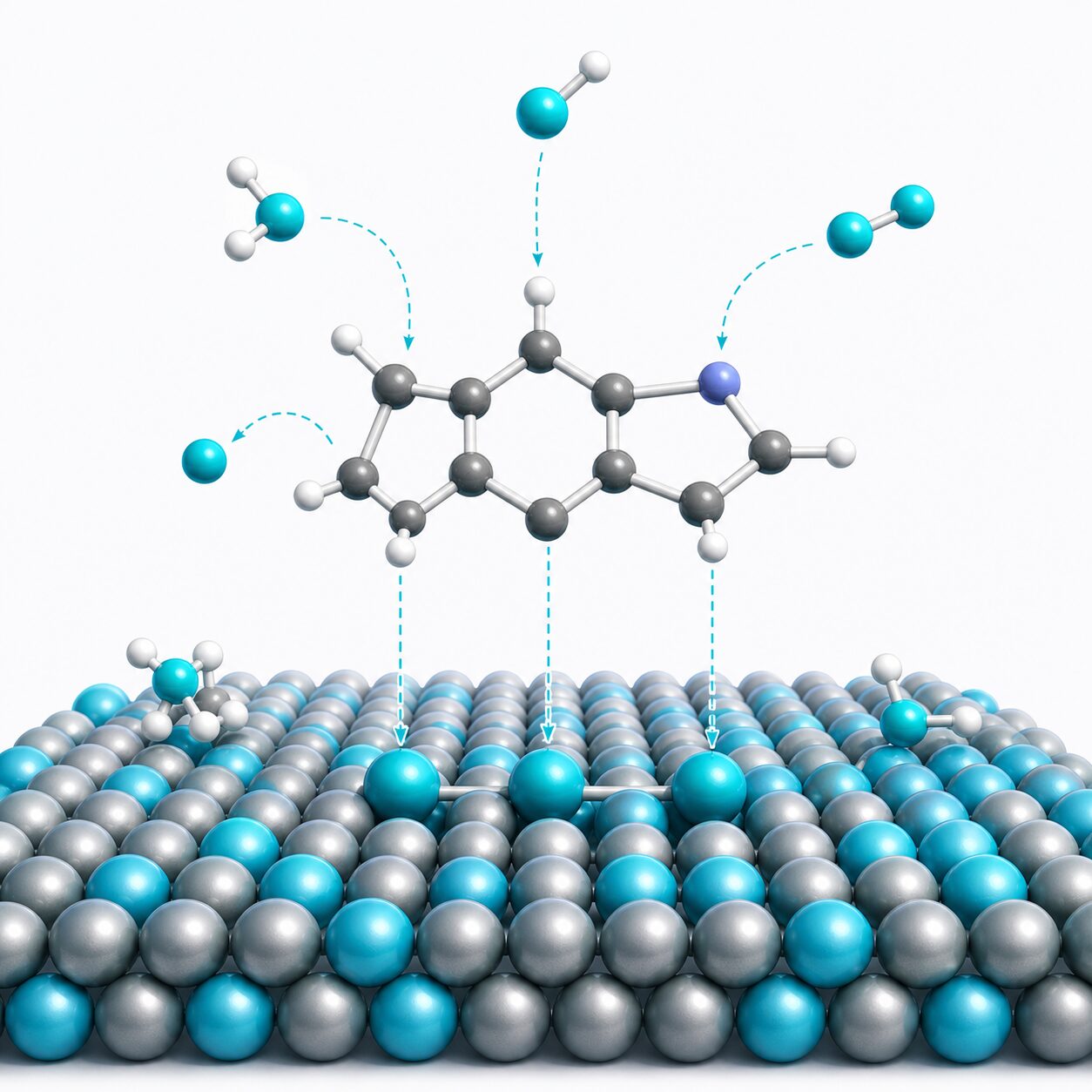
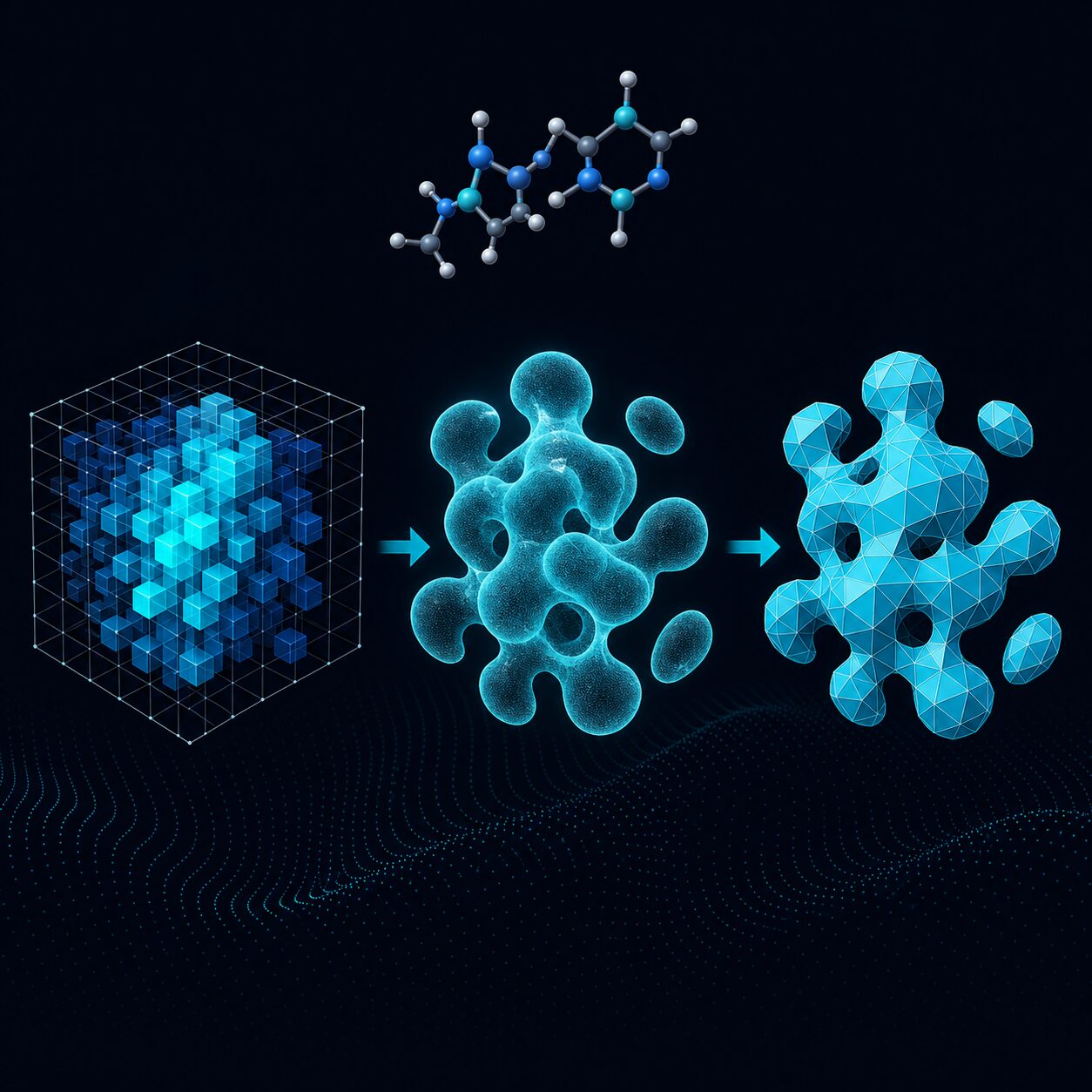
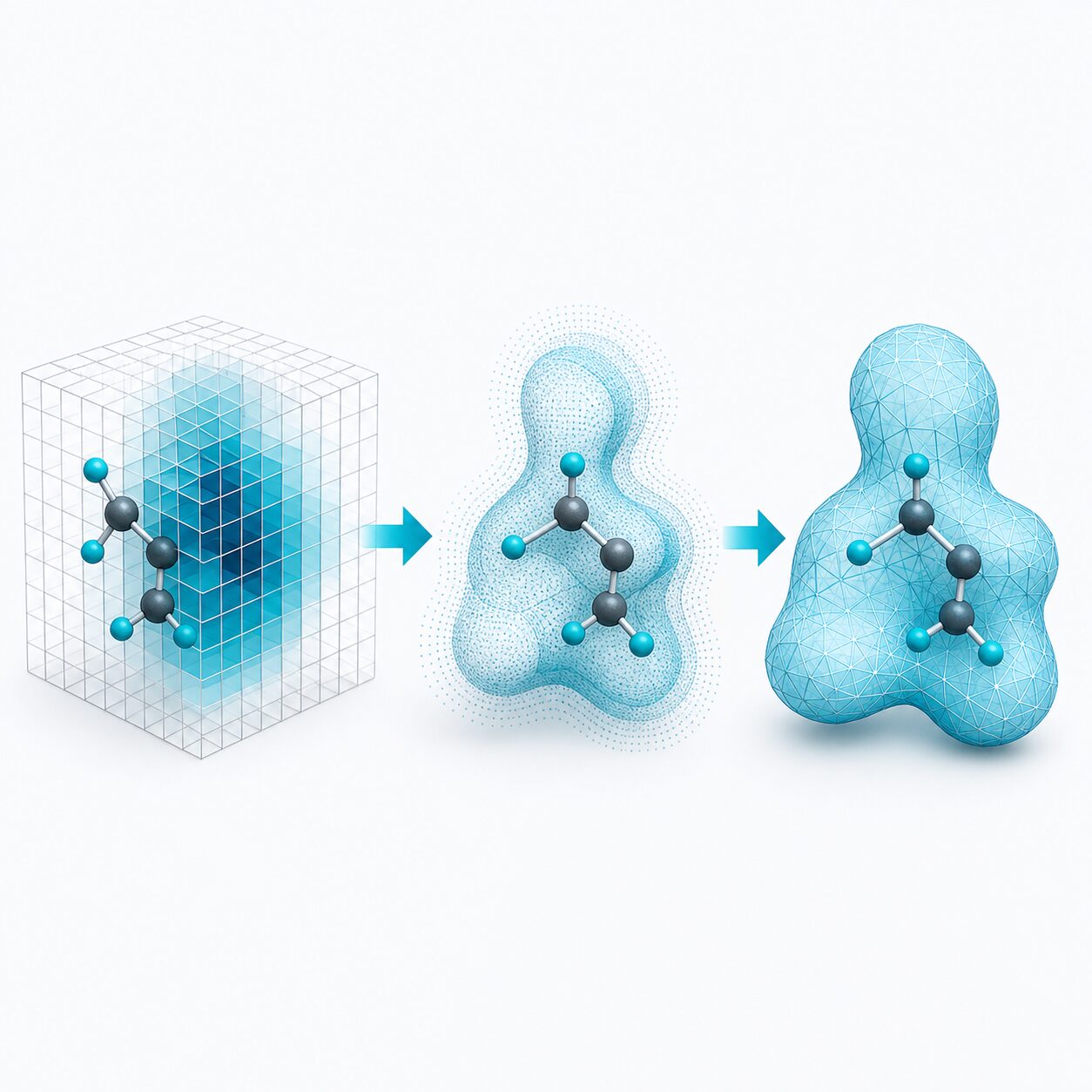
The projects in this theme fall into three categories: visualizing output, characterizing results, and creating molecular systems for exploration. Electronic structure data often takes the form of dense scalar fields, which can be interpreted through isosurfaces or contour plots. Optimized molecular structures provide atomic coordinates that contain important clues about chemical reactivity, but these require further characterization through metadata analysis. Finally, molecular systems can be built from scratch using tools that allow users to place atoms, inspect the resulting structure, and export it for use in other programs.
Scientific Visualization · Where next?
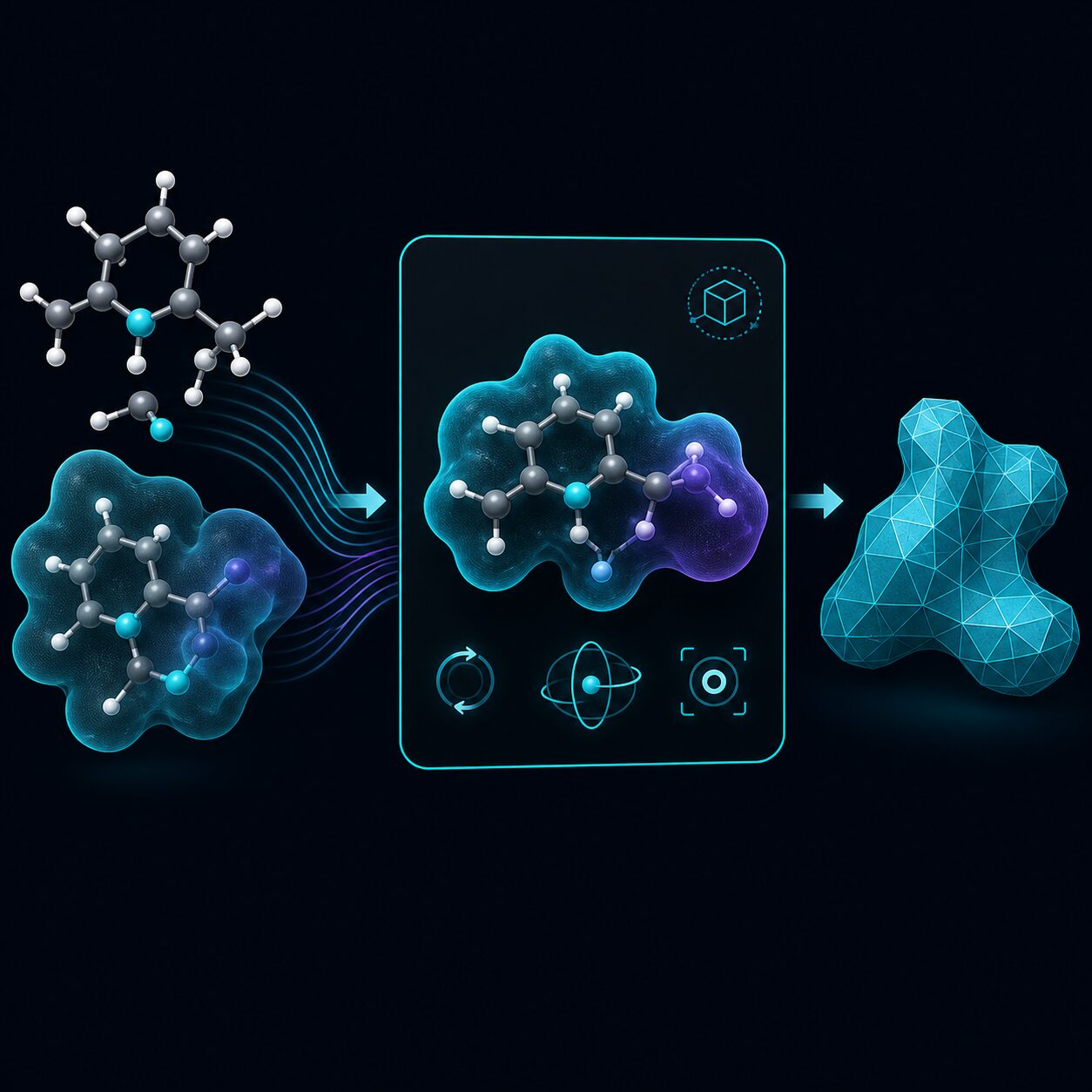
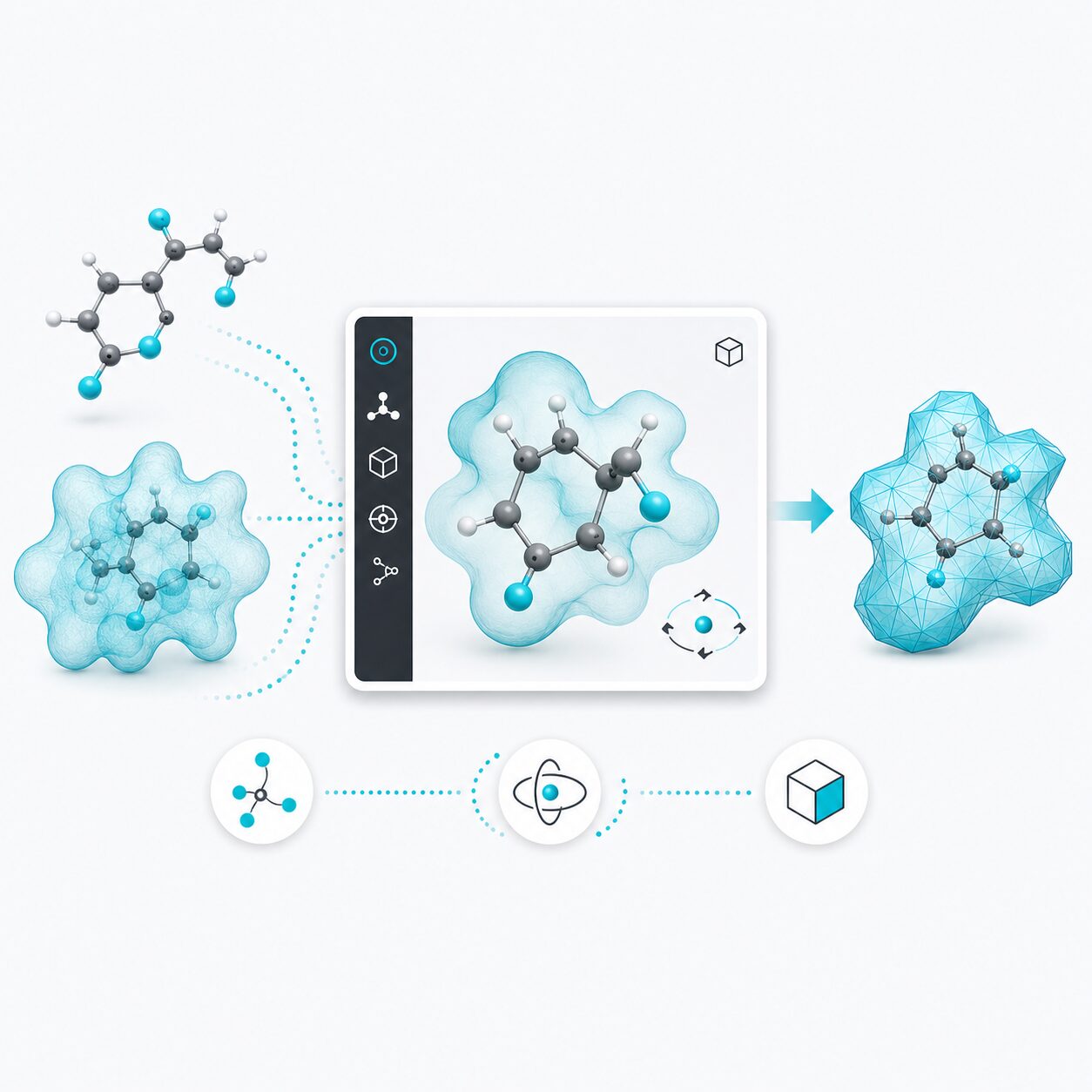
Atom Architect and Managlyph handle the visual end: constructing crystal structures for VASP and rendering molecular orbitals in 3D. EDP, Den2Obj, and PyTessel sit upstream, turning electron density and scalar fields into projected images, isosurface meshes, and publication-ready geometry.
Retro Computing · Opening
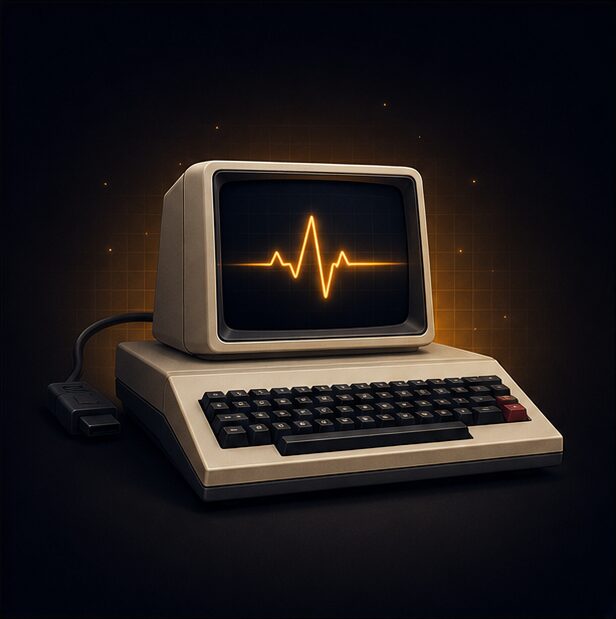
Personal computers are everywhere today, but in the early 1980s they represented a new and exciting frontier. Few people had one at home, and for those who grew up around that time, the arrival of a first computer was often a memorable and formative experience.
Retro Computing · Why
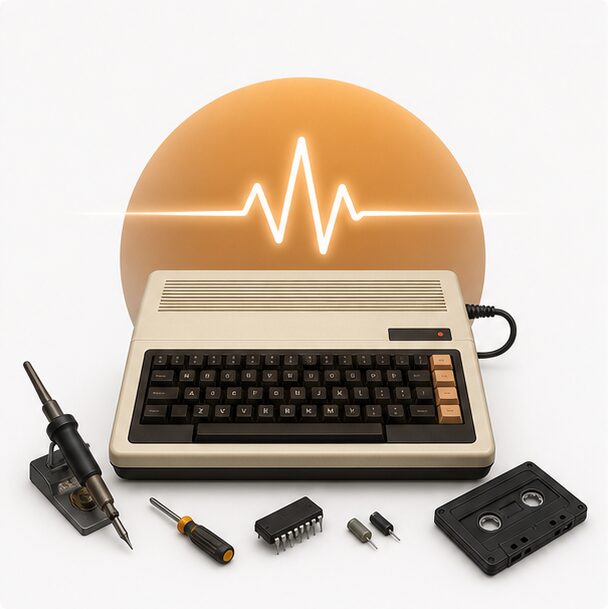
Modern computers are complex, but their roots are still visible in vintage machines and those vintage machines are relatively easy to understand. By keeping those machines alive, we not only preserve a bit of history, but also obtain a deeper understanding of what made those machines tick.
Retro Computing · What
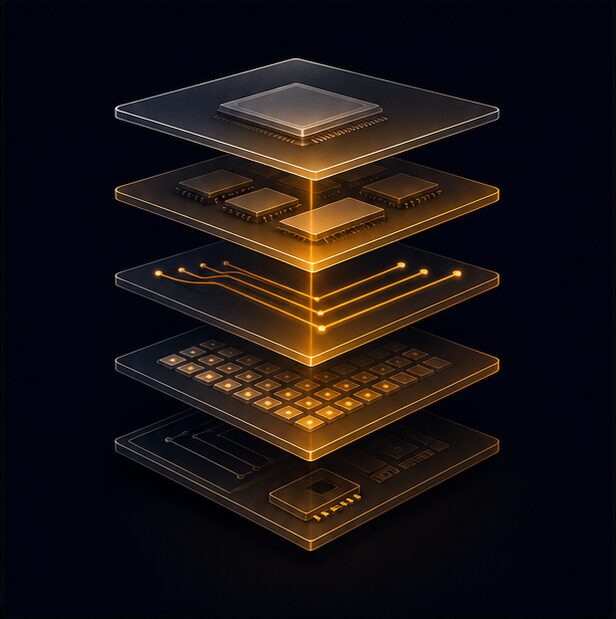
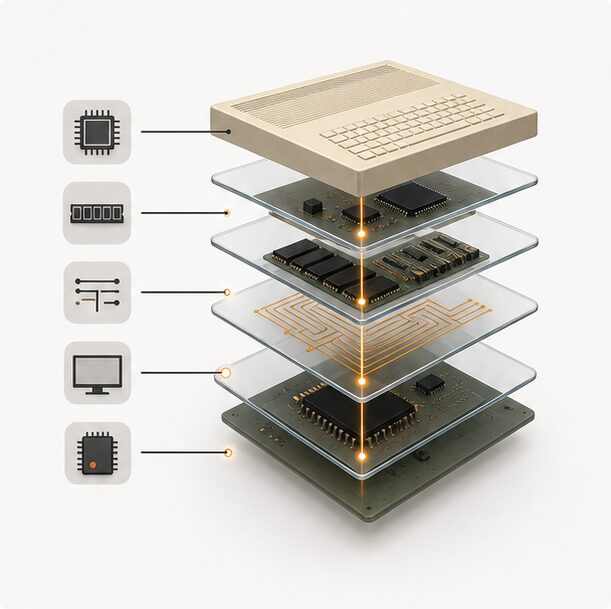
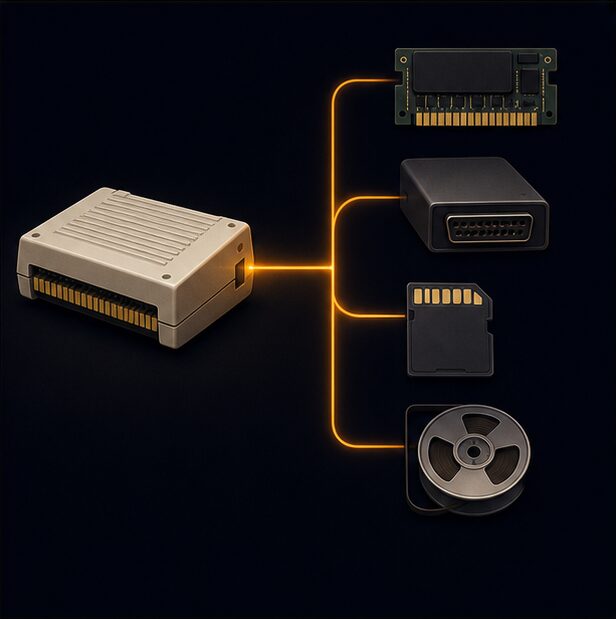
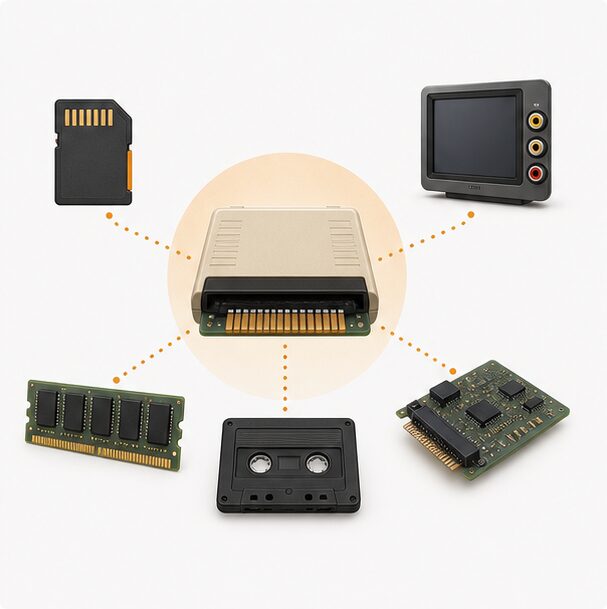
Interfacing with vintage computers is becoming increasingly challenging as their original storage media continue to deteriorate. While motherboards and processors often remain surprisingly robust, magnetic tapes and floppy disks gradually lose their integrity. Modern storage solutions, such as SD cards, offer a practical way to keep these systems operational—but only if we can bridge the gap between legacy hardware and contemporary storage interfaces.
Retro Computing · Where next?
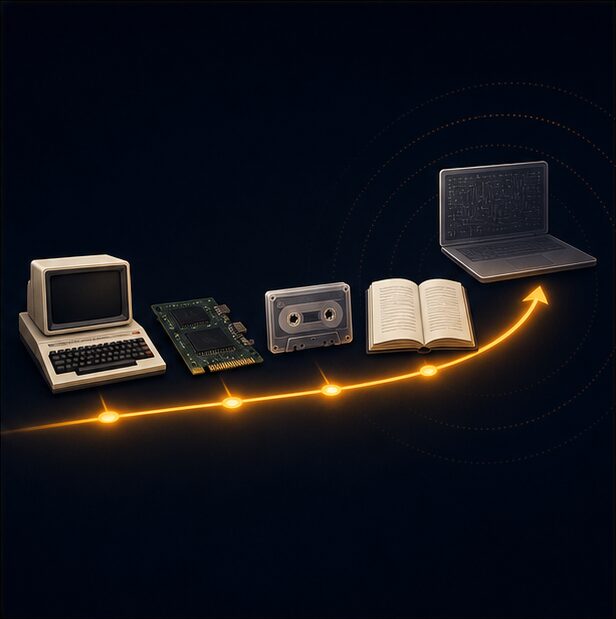
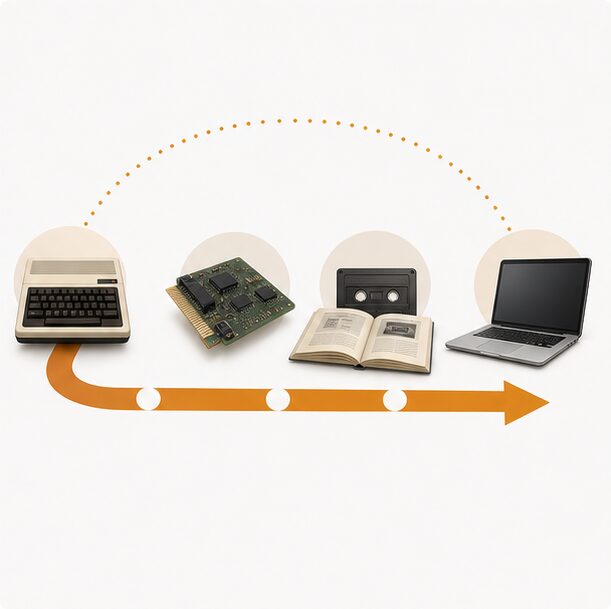
In this theme, I present a large collection of projects that keep vintage machines alive and accessible. These include storage solutions, hardware extensions, and documentation for a variety of 1980s-era computers. By sharing these projects, I hope to provide resources for others who want to explore and preserve the history of personal computing. I have a particular focus on the Philips P2000T and P2000C, but also the C64, Gameboy, IBM 5150 and IBM clones like the Olivetti M24, and more.
Open Education · Opening
Open education breaks down barriers to learning by making knowledge freely accessible, adaptable, and shareable for all. It empowers learners and educators everywhere to collaborate, innovate, and shape a more equitable future.

Open Education · Why
Open education matters because publicly funded knowledge should serve the public, not sit behind paywalls or inflate publisher profits. It gives every learner the freedom to study at their own pace, access high-quality materials, and participate more equally in education.
Open Education · What
Open education includes freely accessible materials such as textbooks, videos, assignments, and complete online courses that learners can use at their own pace.
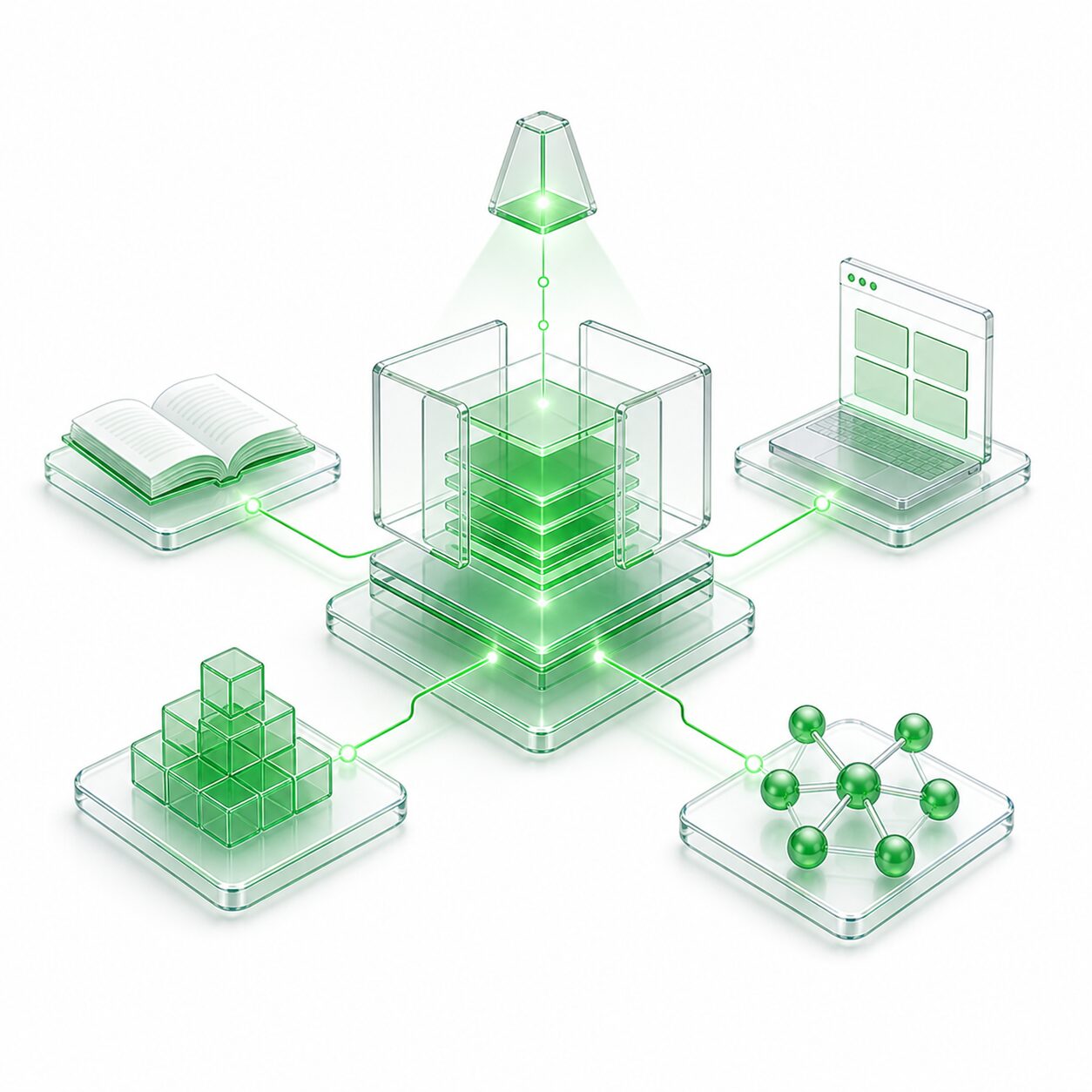
Open Education · Where next?
Browse lecture notes, workshop exercises, interactive notebooks, course materials and learning apps.


Homebrew Hardware · Opening
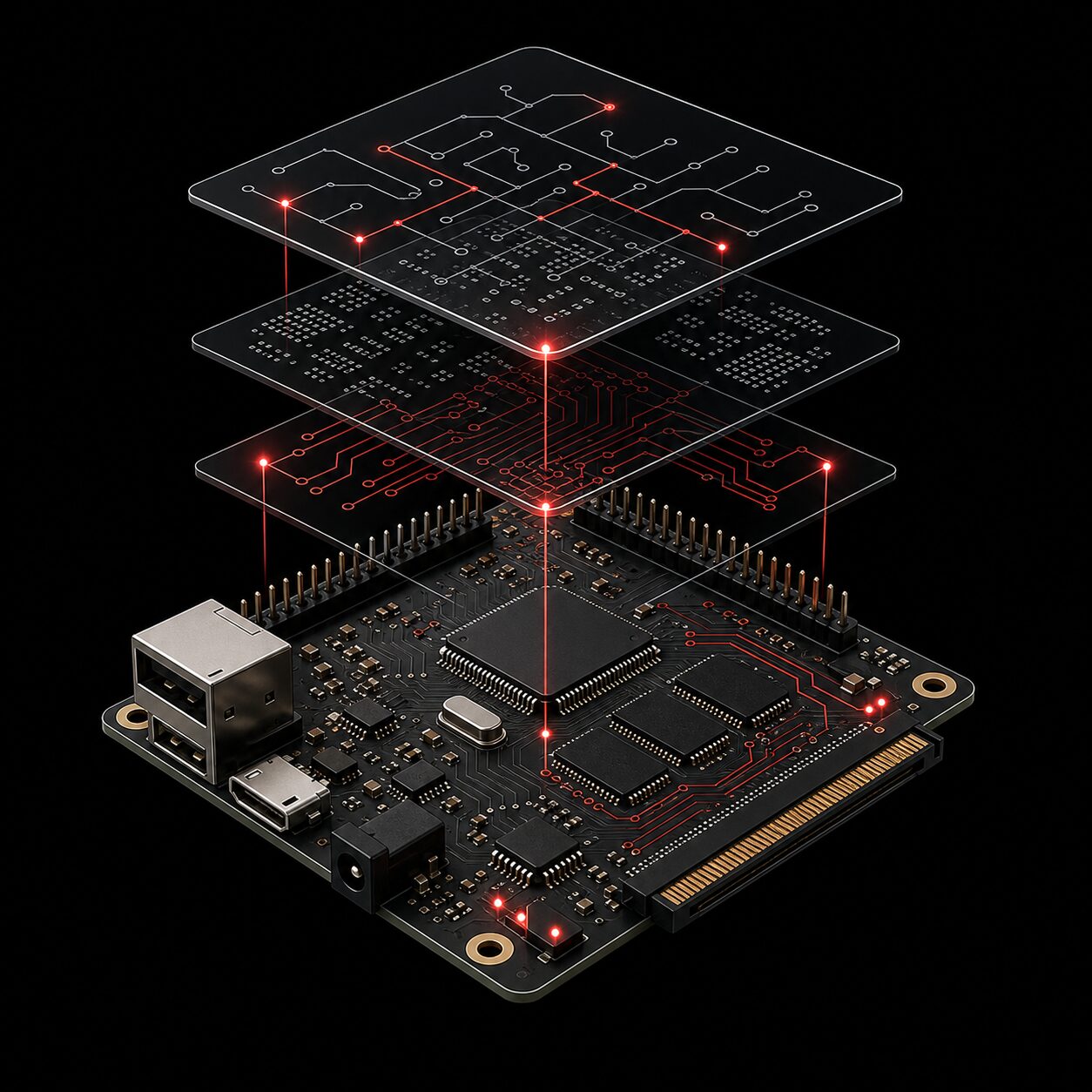
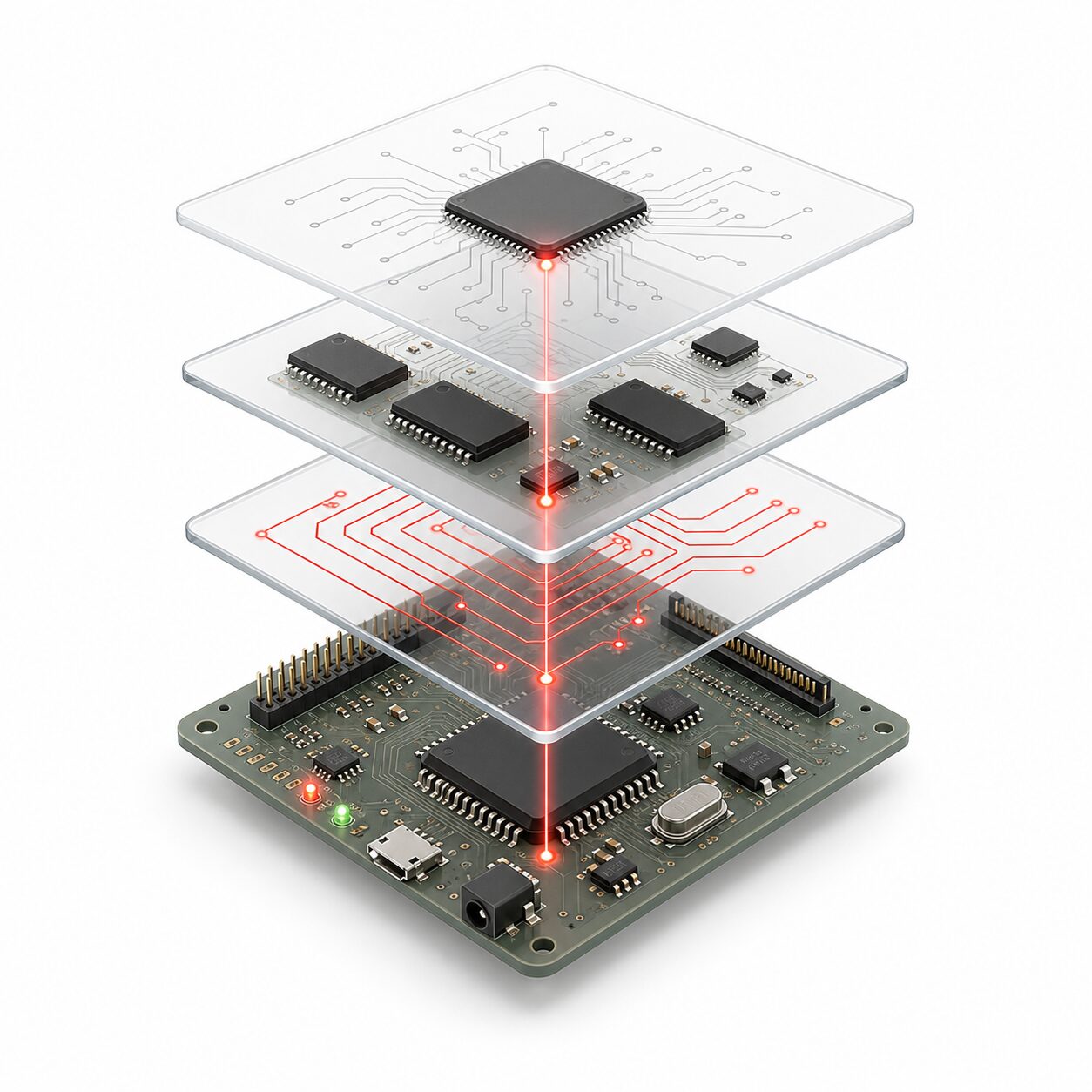
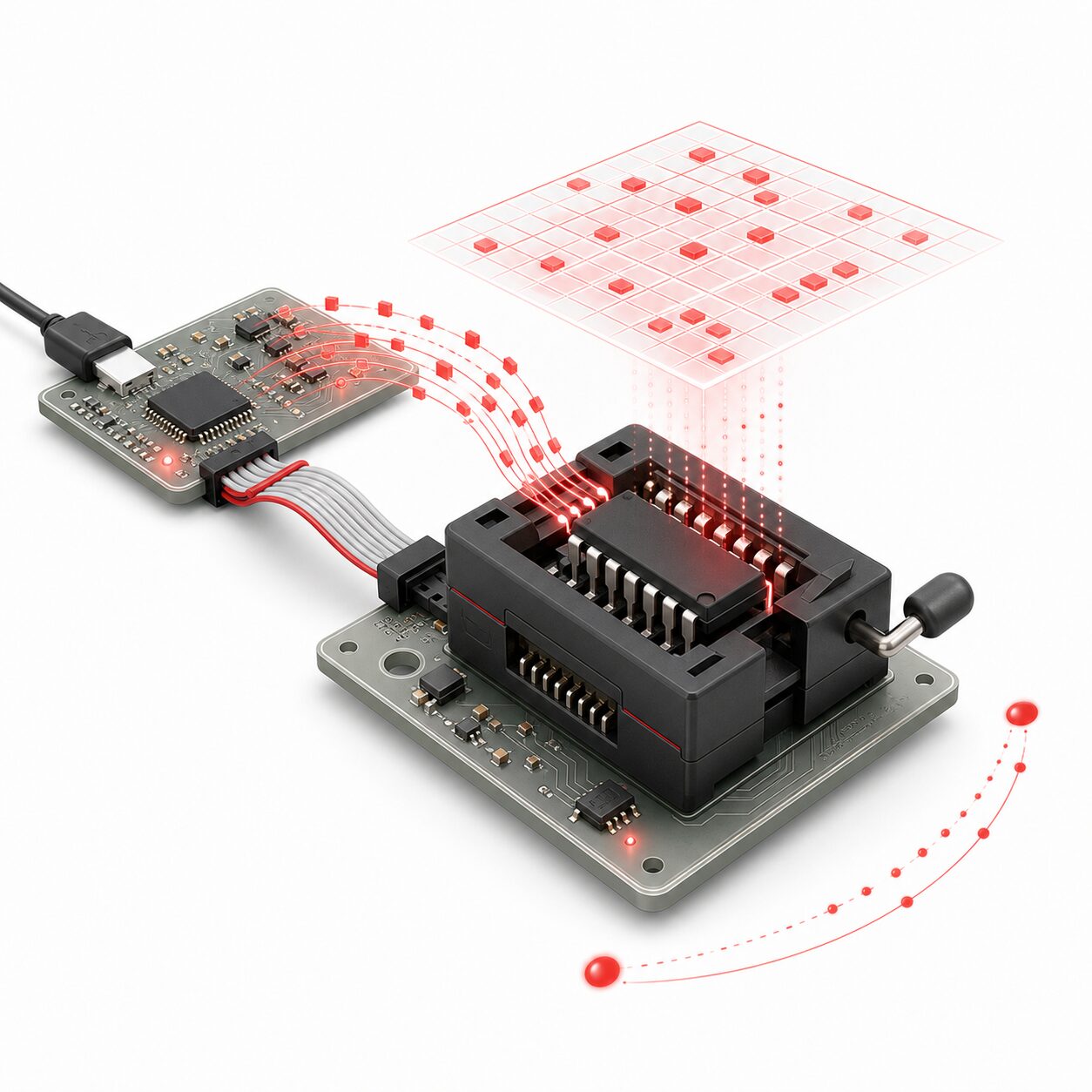
Homebrew hardware is the practice of building real computing systems from the parts up: PCBs, processors, memory, buses, firmware, and the tools needed to make them useful.
Homebrew Hardware · Why
Designing a computer from scratch makes modern machines easier to understand. Address lines, timing, memory maps, voltage levels, and storage formats stop being abstractions and become things you can trace, test, and reason about.
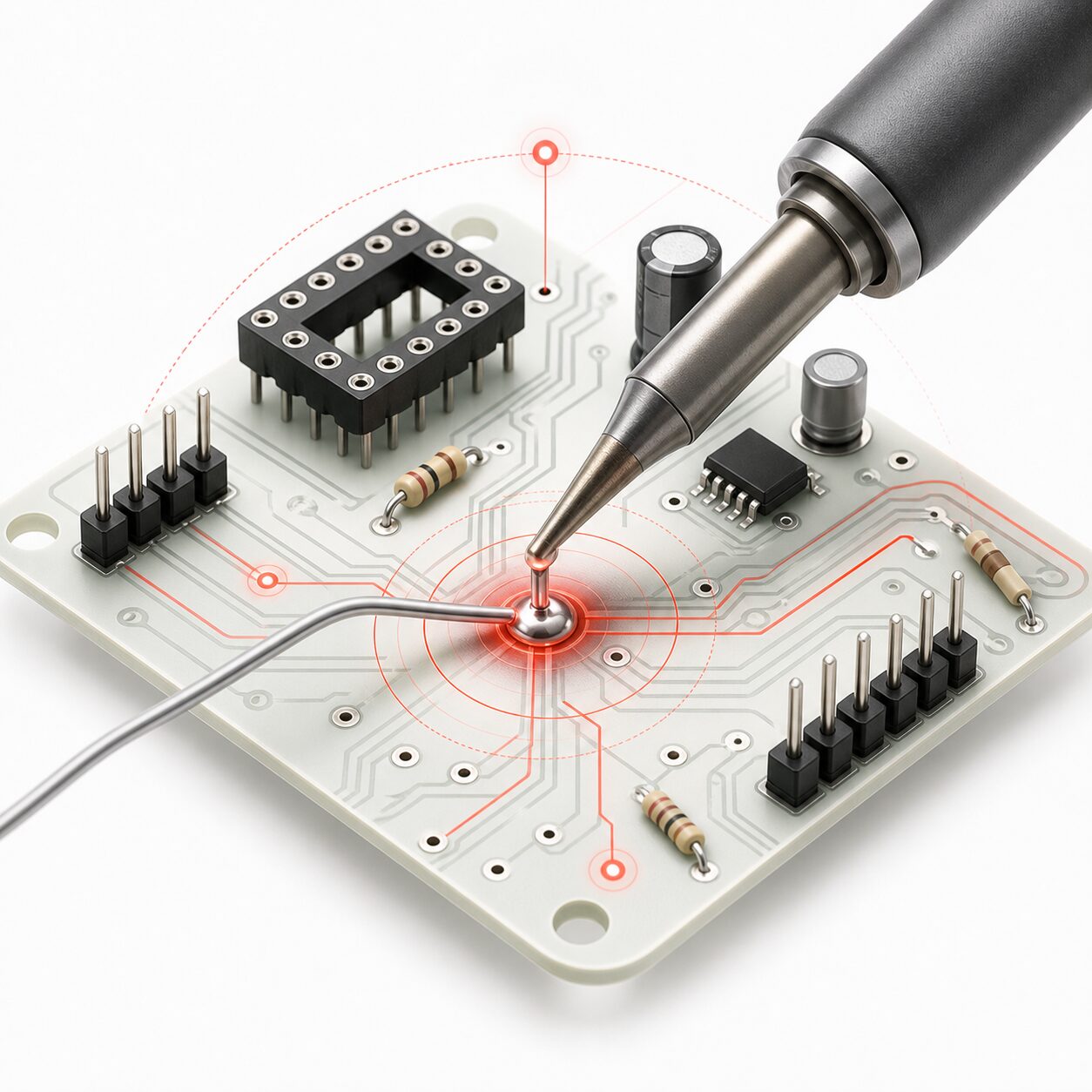
Homebrew Hardware · What
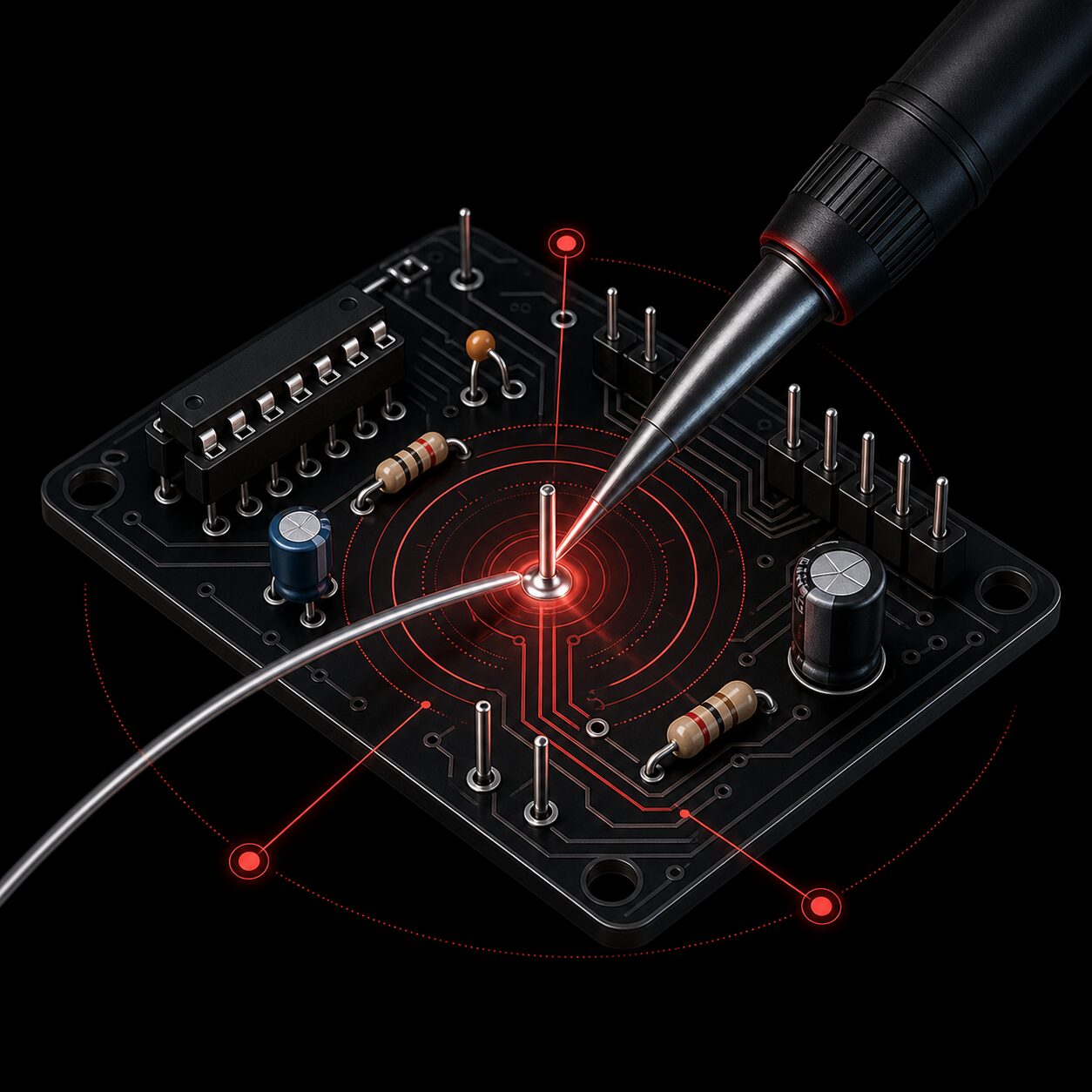
A homebrew hardware path can lead to single-board computers, ROM programmers, cartridge readers, video generators, keyboards, interface cards, and the small utilities that connect old chips to modern workflows.
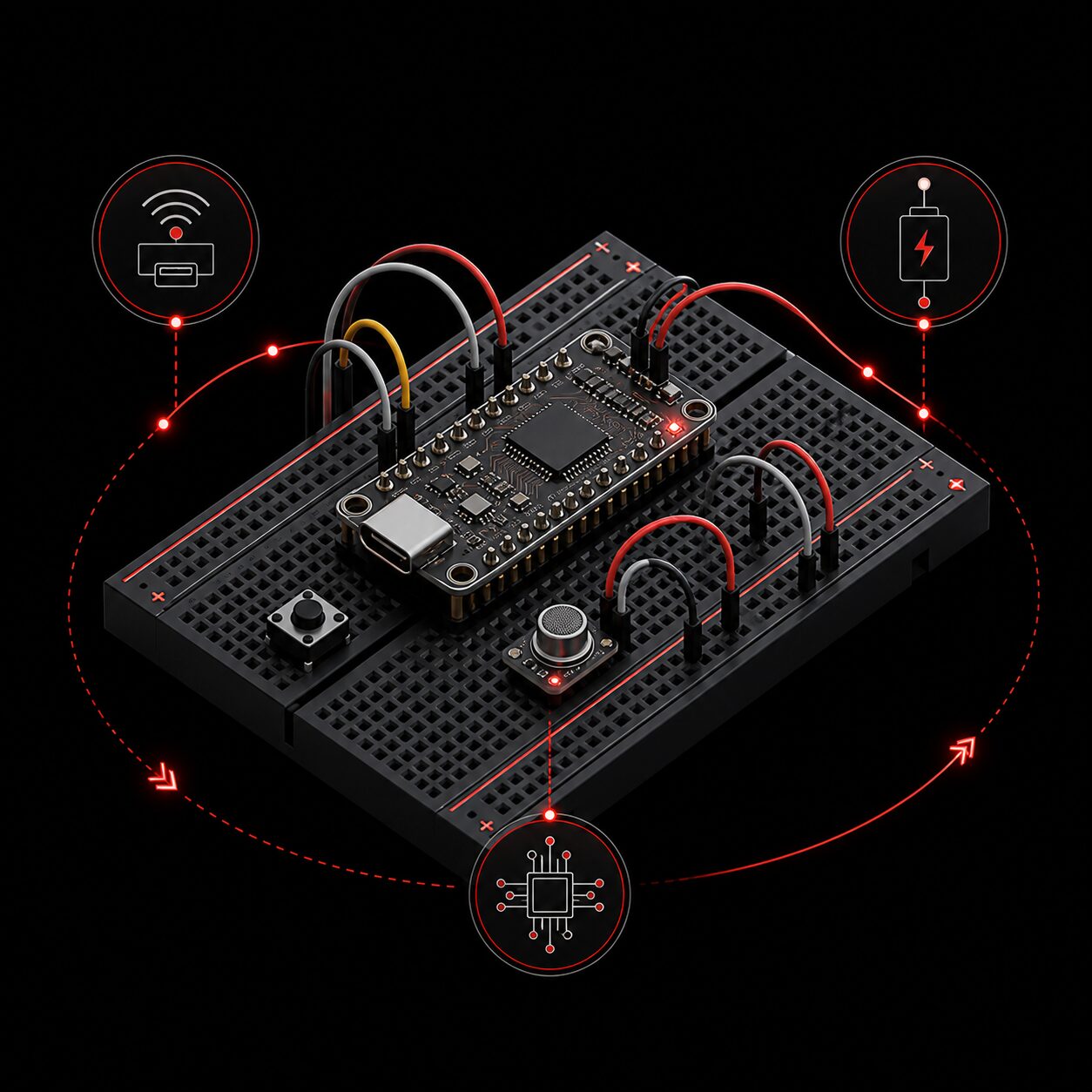
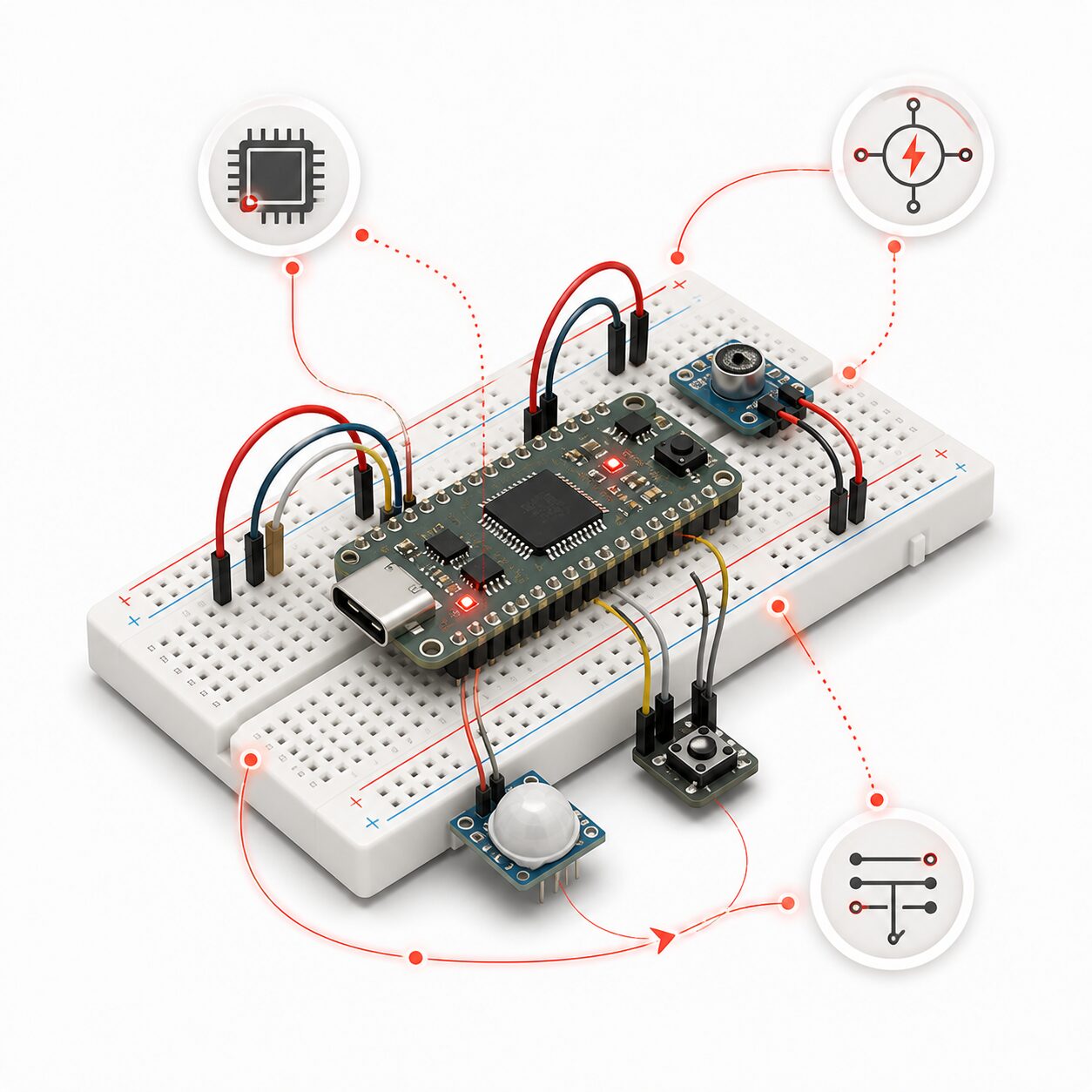
Homebrew Hardware · Where Next
In my case, the focus narrows to Z80-, 6502-, and 8086-based machines, alongside TTL-based homebrew processors built from logic chips. These compact systems expose the processor, memory, firmware, storage, and I/O clearly enough to study, modify, and understand as a complete computer.
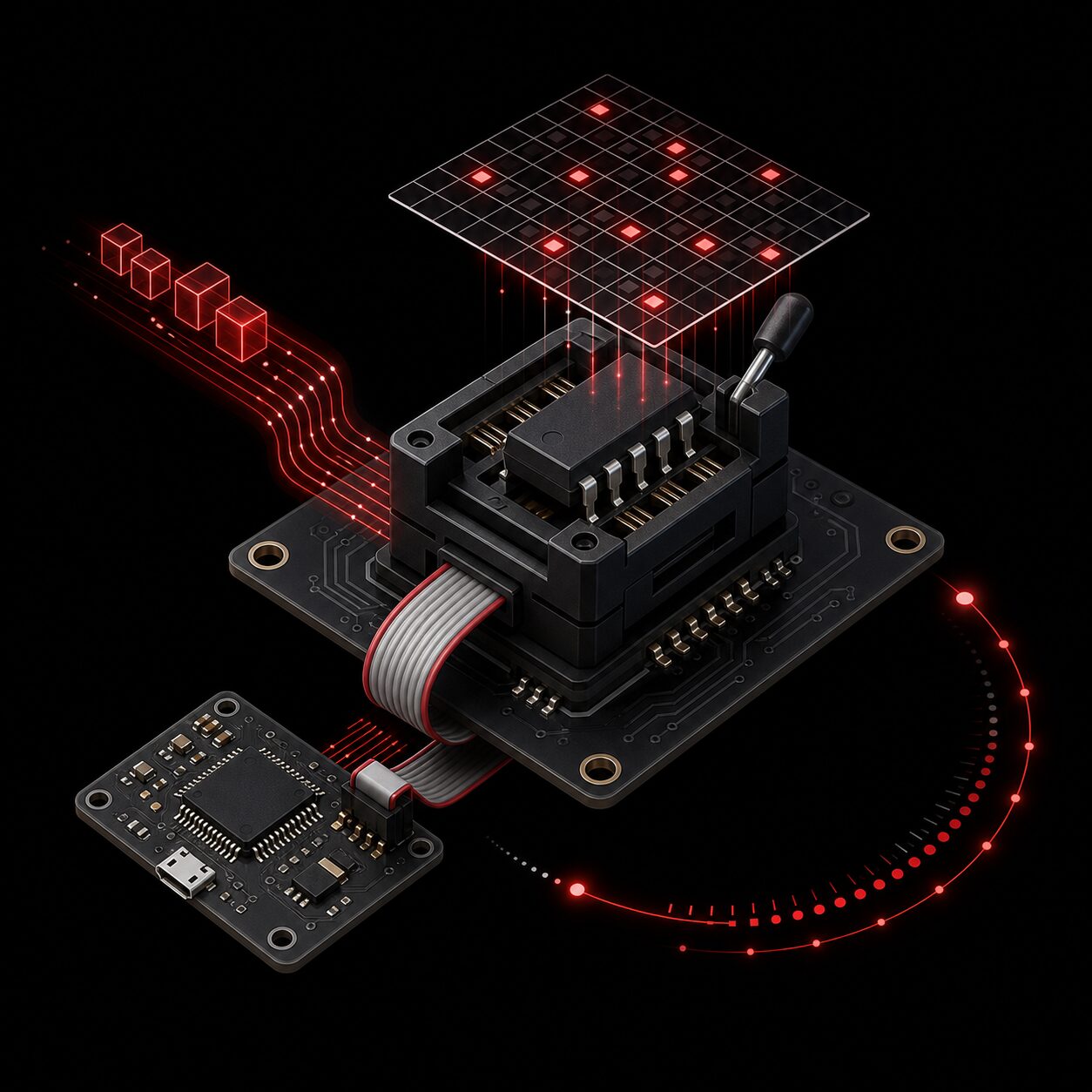
Languages and Tools · Opening
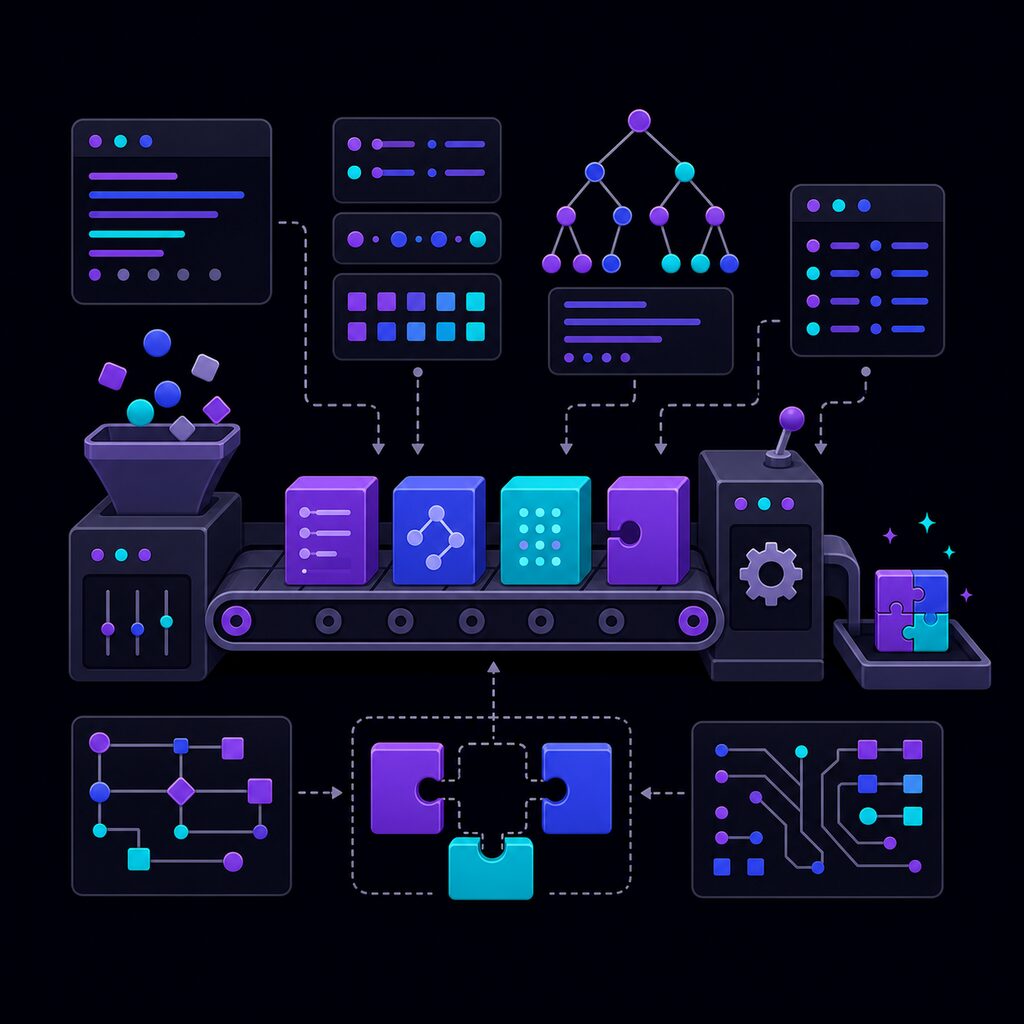
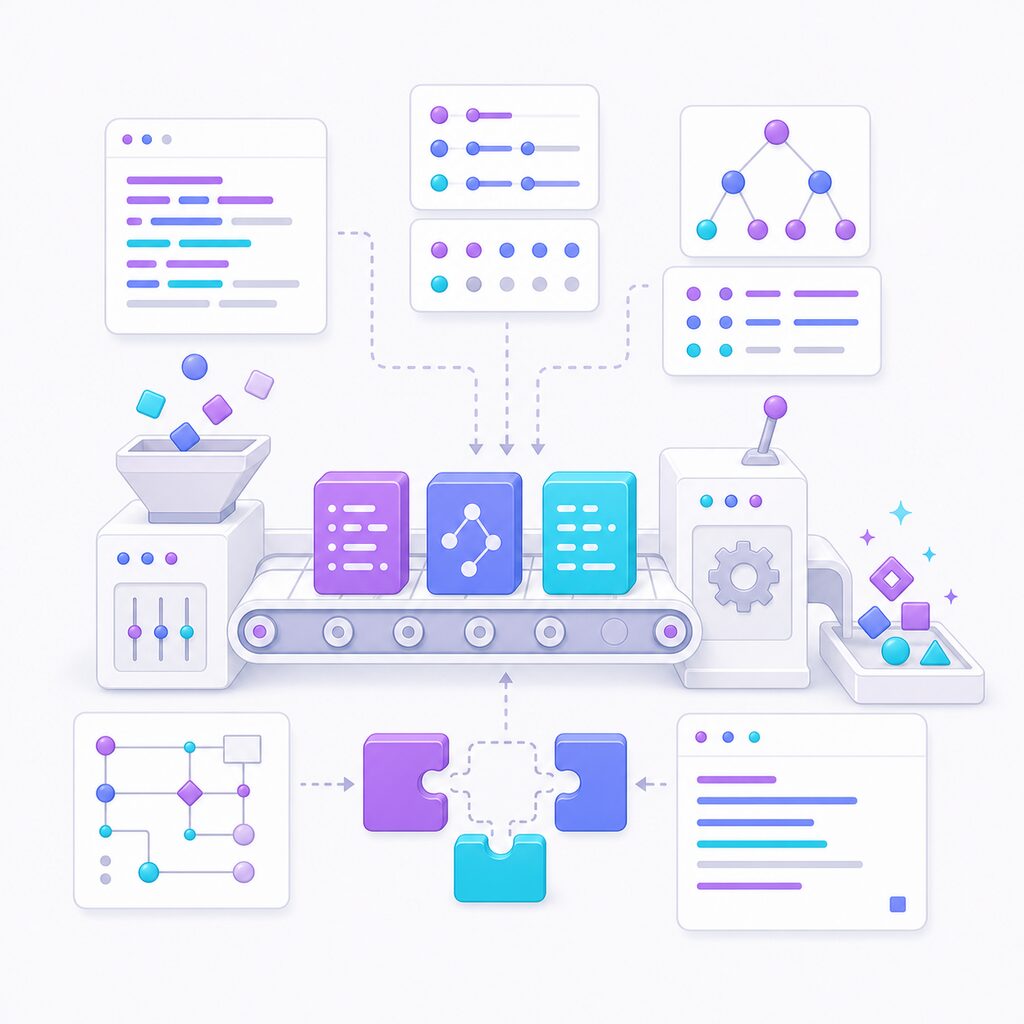
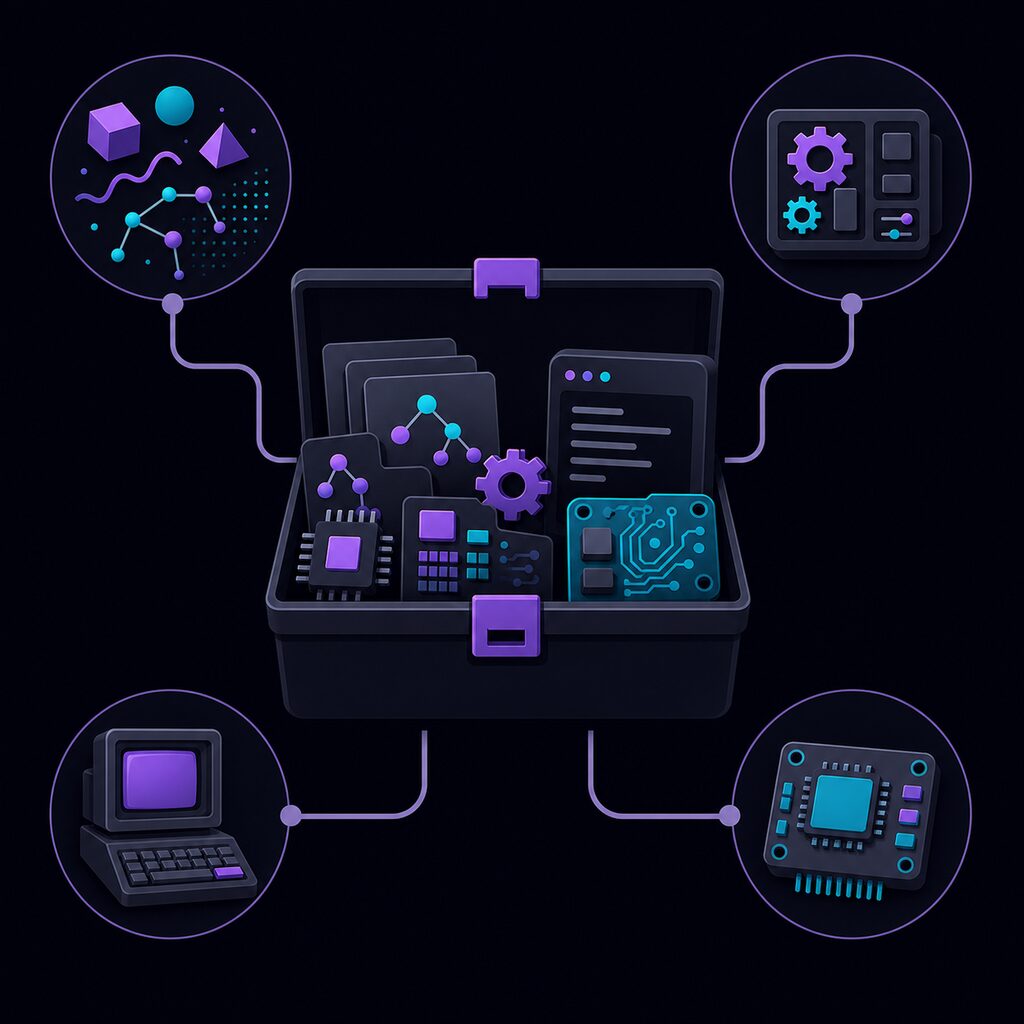
This theme is about building programming tools from the inside out: small languages, interpreters, assemblers, emulators, instruction sets, and the utilities that make code understandable and runnable.
Languages and Tools · Why
Designing a language forces the hidden parts of programming into the open. Syntax, parsing, evaluation, types, control flow, memory, and machine instructions become design choices you can inspect and change.
Languages and Tools · What
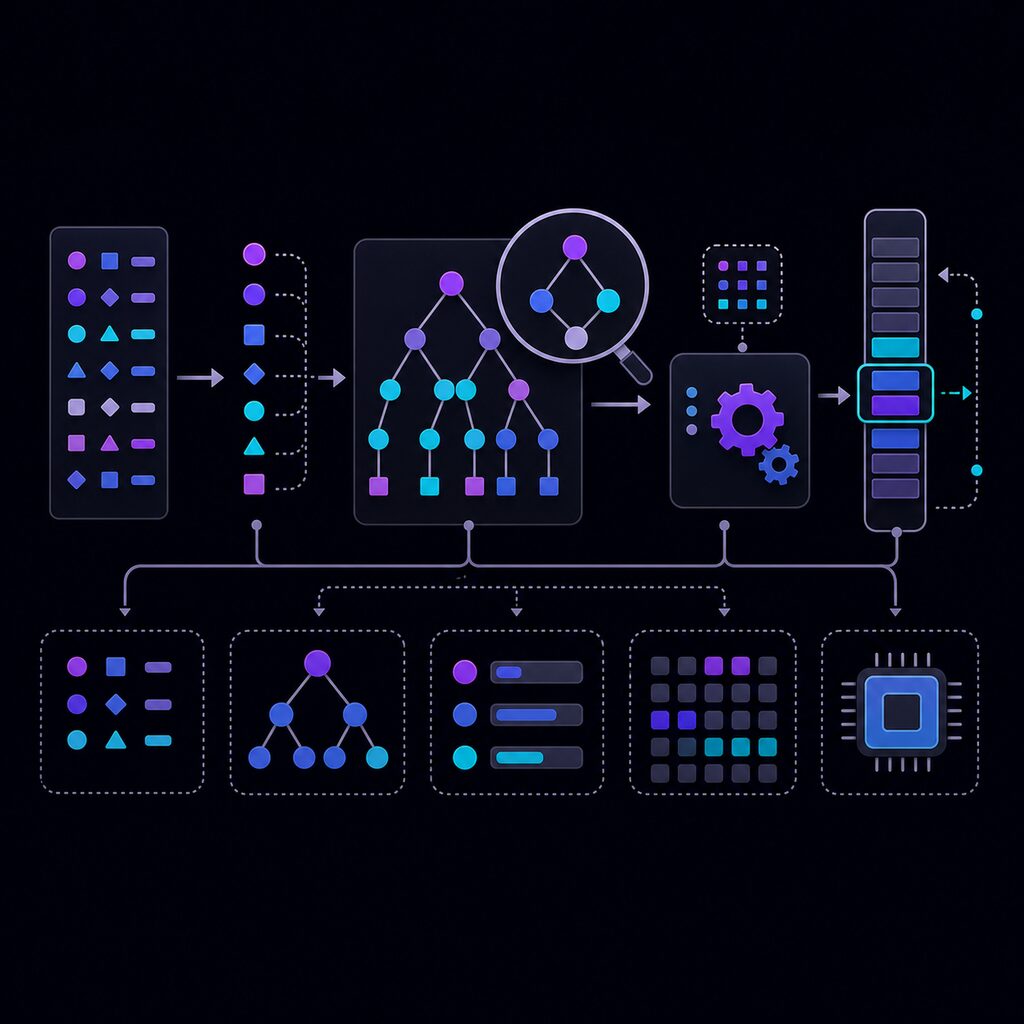
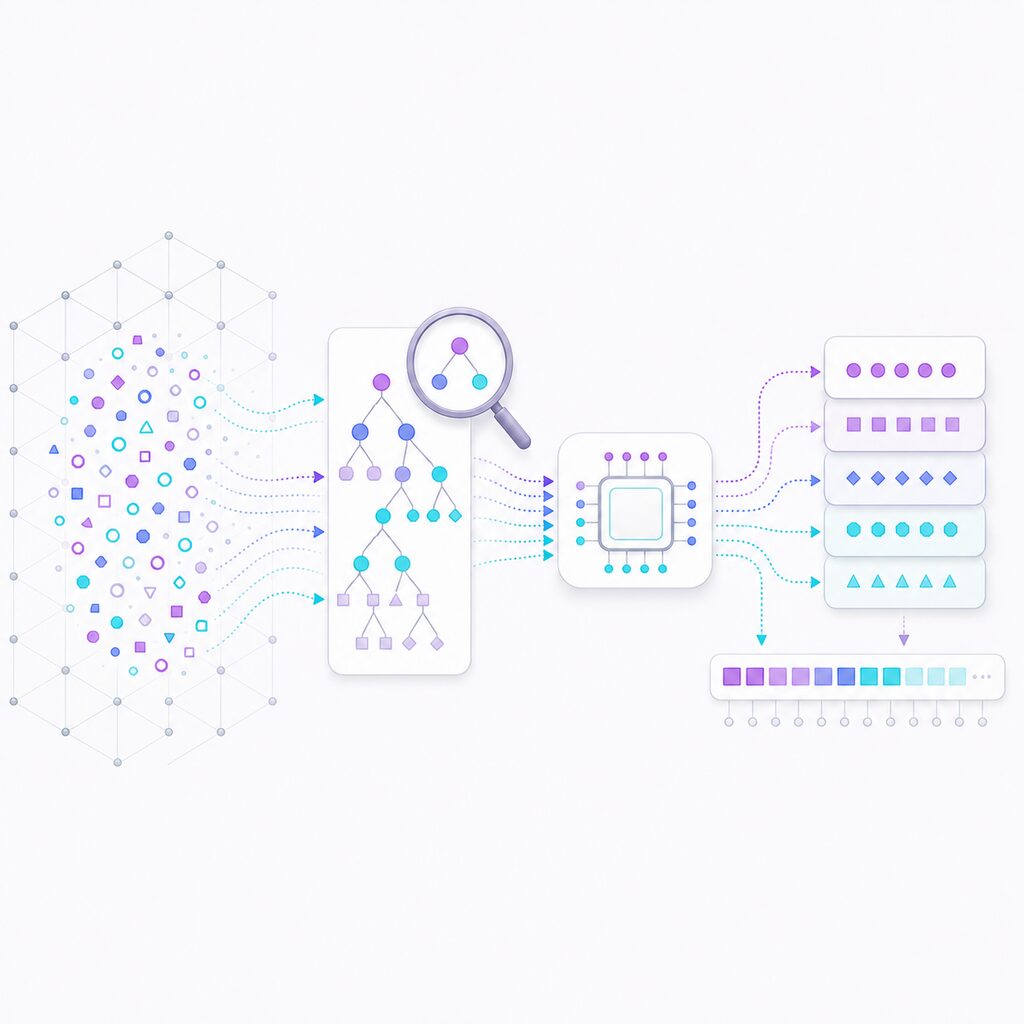
A project can start as a lexer and parser, grow into an interpreter or compiler, target a virtual machine or real CPU, and end with assemblers, emulators, bytecode formats, and command-line tools.
Languages and Tools · Where Next
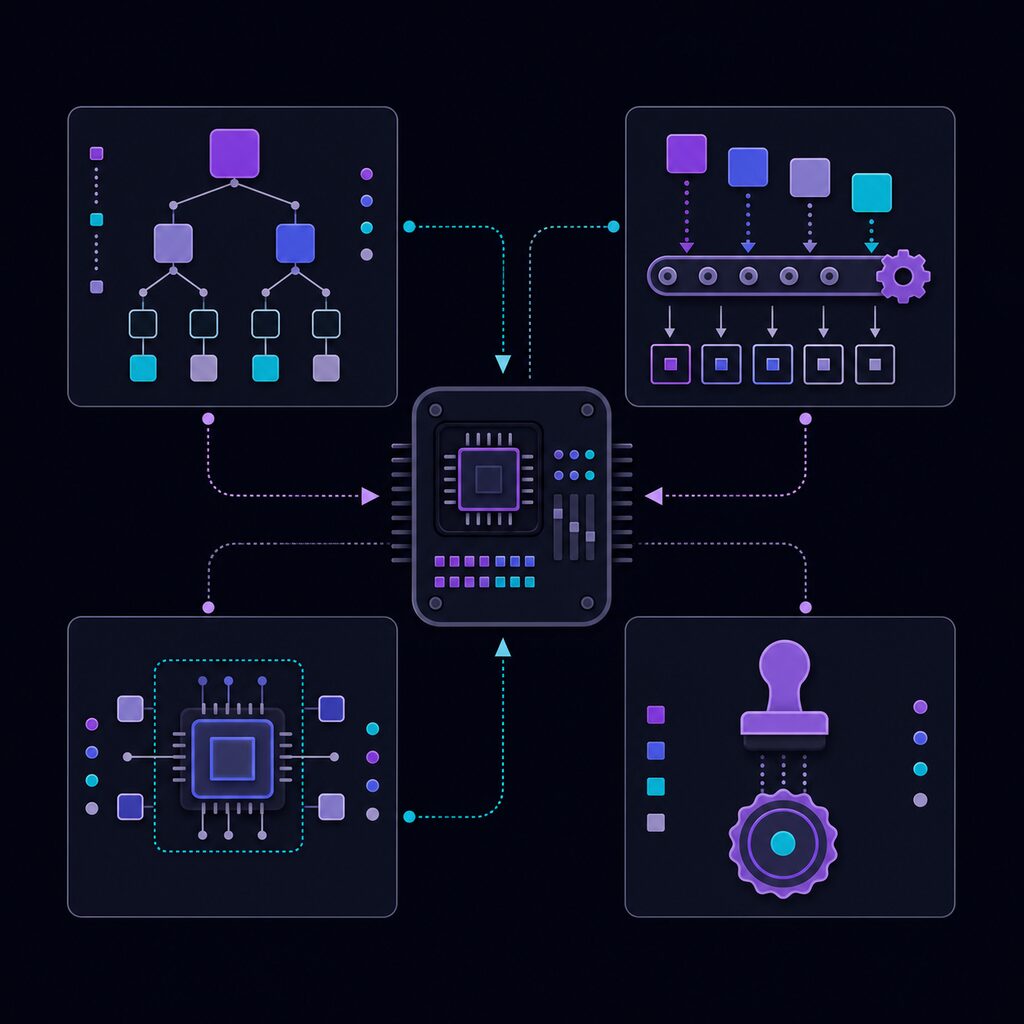
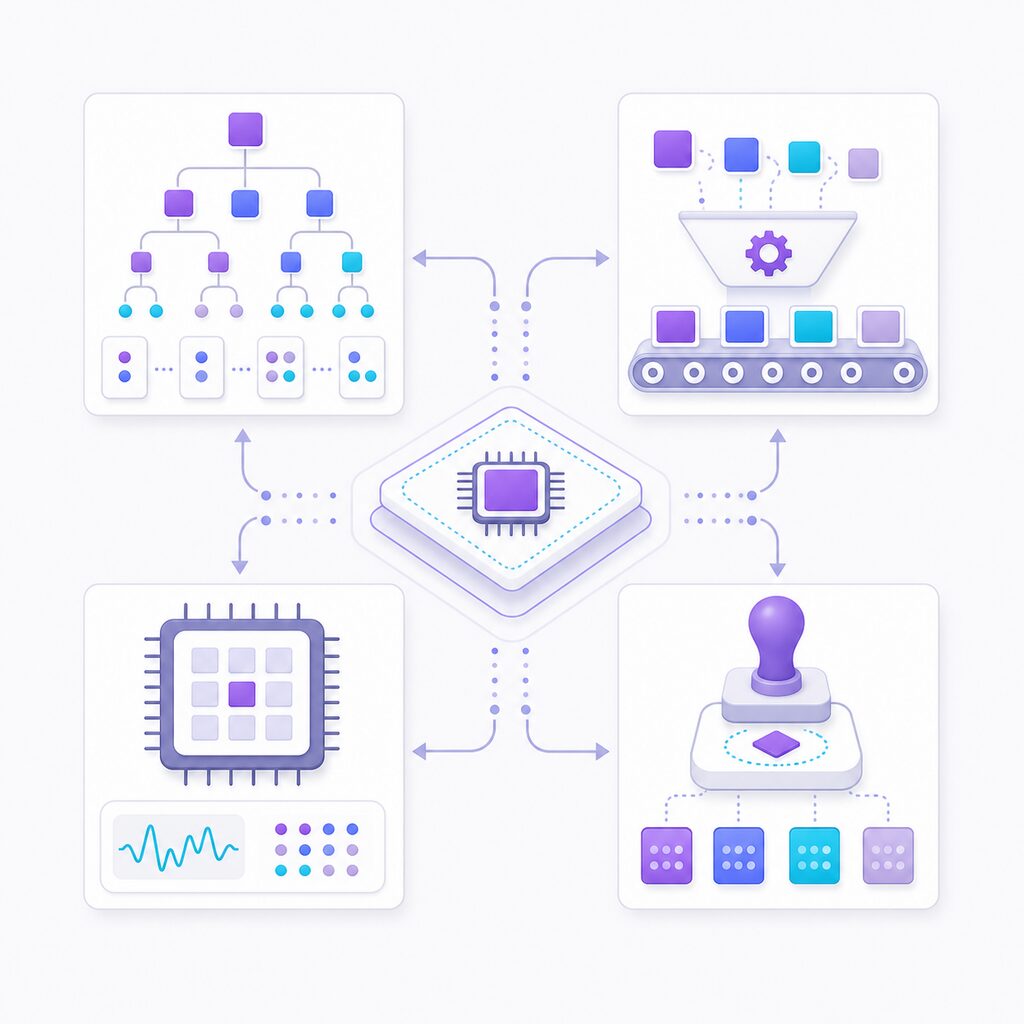
In my case, the focus is mainly on custom programming languages: small, readable systems for exploring how source code becomes behavior, and how language design connects to interpreters, assemblers, virtual machines, and hardware.
Jump to story